



All bills in one place
Every order invoice from ZEG in one place
GetMyInvoices connects to your ZEG account and automatically downloads your invoices, so every document stays complete and ready for accounting without manual logins.
Start your free trial






Over 20,000 companies trust GetMyInvoices












What GetMyInvoices does for ZEG
No more manual downloading
You no longer log in to your ZEG account to hunt for invoices. GetMyInvoices handles the retrieval for you.
A searchable receipt archive
All ZEG receipts sit in one place — central, searchable and tagged. Your team finds any document in seconds, and nothing gets lost.
Accounting without media breaks
Your receipts flow automatically into DATEV, Lexware Office or your cloud. Your books stay up to date with nothing to forward by hand.
Who uses GetMyInvoices with ZEG

Trade, Construction & Installation Supplies
Friday afternoon, the workshop is packed, and on top of that, the order for frame, brakes, and derailleur still needs to be placed on the ZEG portal – the invoice for it often then disappears into the inbox for a while. Whoever has time in the workshop places the order, but no one feels truly responsible for filing the documents. By the end of the month, individual invoices are missing, and the tax advisor asks for receipts for bookings that are otherwise difficult to match using bank statements alone. With GetMyInvoices, new documents from your ZEG account are automatically detected and downloaded, so no order is ever forgotten. This ensures the complete document filing for parts and installation supplies is reliably available, without any manual searching.
Start now with document automation for Trade, Construction & Installation Supplies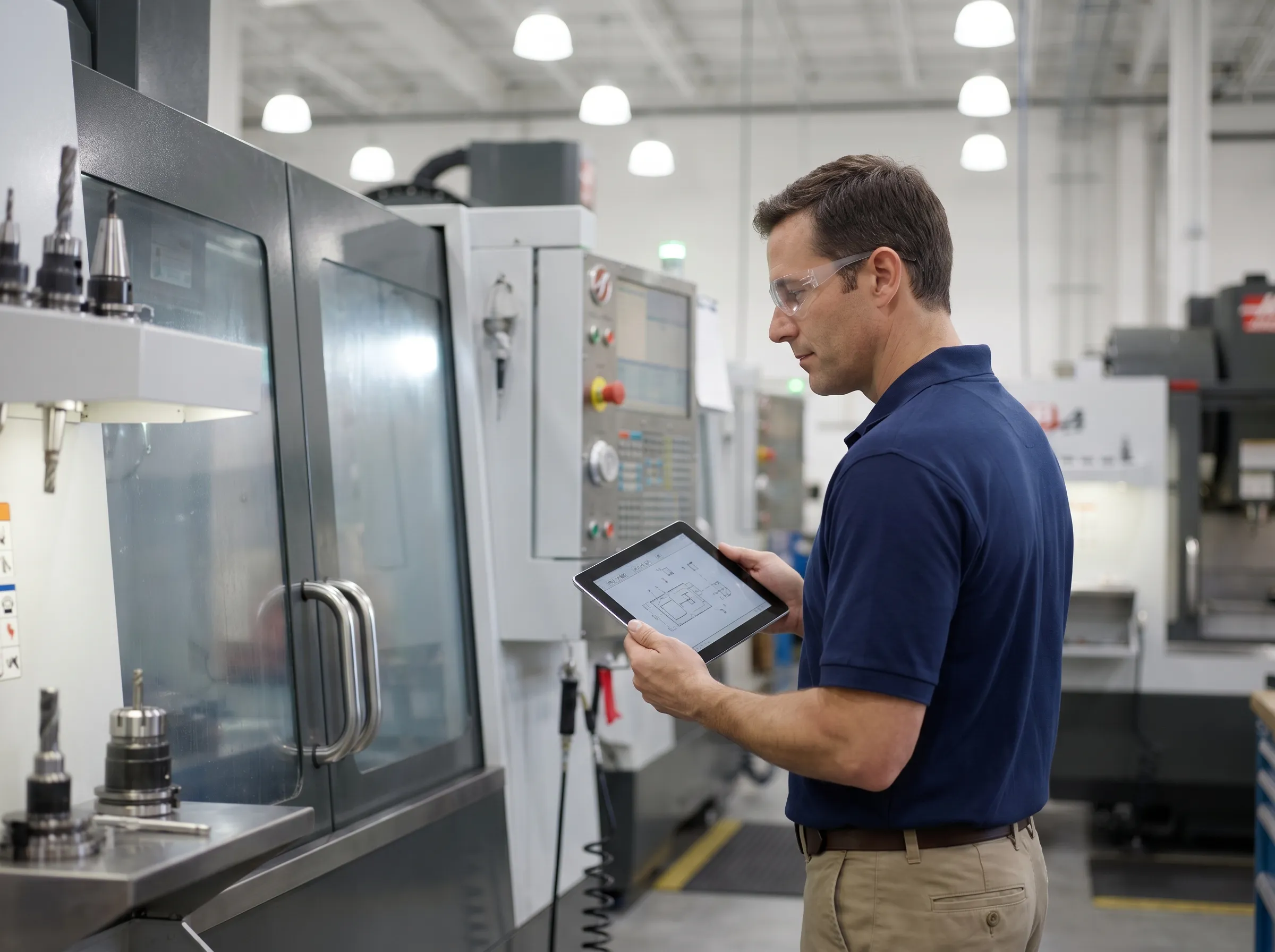
Automotive Parts & Dealerships
At a car dealership with an attached bicycle sales division, orders for branded bikes and spare parts often run through the same ZEG dealer account, while accounting has to sort the receipts alongside the usual automotive invoices. This can quickly lead to mix-ups between supplier invoices from different business areas, especially when multiple employees have access to the portal and no one keeps track of which documents have already been retrieved. As a result, invoices sometimes end up duplicated in the filing system or are missing entirely during the month-end invoice review. GetMyInvoices automatically downloads your invoices and receipts from the ZEG account, and documents that have already been captured are not downloaded again. This keeps the separation between bicycle and automotive documents traceable, even when multiple teams access the same account.
Start now with document automation for Automotive Parts & Dealerships
Retail & E-Commerce
A bicycle retailer continuously orders restocks through the ZEG B2B portal to close inventory gaps before the season, quickly accumulating a whole series of purchase invoices in a short time. With heavily fluctuating order volumes, there's often no time to manually log into the portal and download each invoice individually before accounting needs them for the VAT advance return. This becomes especially problematic toward the end of the quarter, when documents are missing and matching them to payments via the business account stalls. With GetMyInvoices, you no longer need to log in manually to the ZEG portal, as your purchase invoices are retrieved automatically. This ensures the complete document overview for merchandise purchasing is available on time, regardless of how many orders accumulate during the season.
Start now with document automation for Retail & E-CommerceHow does it work?

Connect your ZEG account
Connect your ZEG account to GetMyInvoices once to download invoices automatically.
Good to know
- Sign in with your usual login details.
- You can connect several accounts of this portal separately.
- Your login details are stored encrypted and cannot be viewed by GetMyInvoices staff.

Invoices are retrieved automatically
GetMyInvoices checks your ZEG account regularly and downloads all available invoices automatically.
Good to know
- All available invoices and receipts are captured.
- You set the retrieval interval yourself.
- Documents already captured are not downloaded twice.

Forward to your accounting
Your ZEG receipts are exported to the accounting solution of your choice.
Good to know
- Compatible with DATEV, Lexware Office and other accounting solutions.
- You set the export schedule independently of the retrieval interval.
- On export, you pass either the file or the file including metadata.
Proven performance by GetMyInvoices
Frequently combined with







About ZEG
ZEG is a portal through which members process orders and receive invoices. For accounting purposes, these documents need to be collected regularly. Automated processing eliminates manual downloading and keeps all documents consistently complete.
Frequently asked questions about ZEG and GetMyInvoices
Ready to automate your
ZEG invoices?
Try GetMyInvoices with no obligation and start collecting your receipts automatically.