Connect bank accounts
Automatic matching of
invoices and transactions
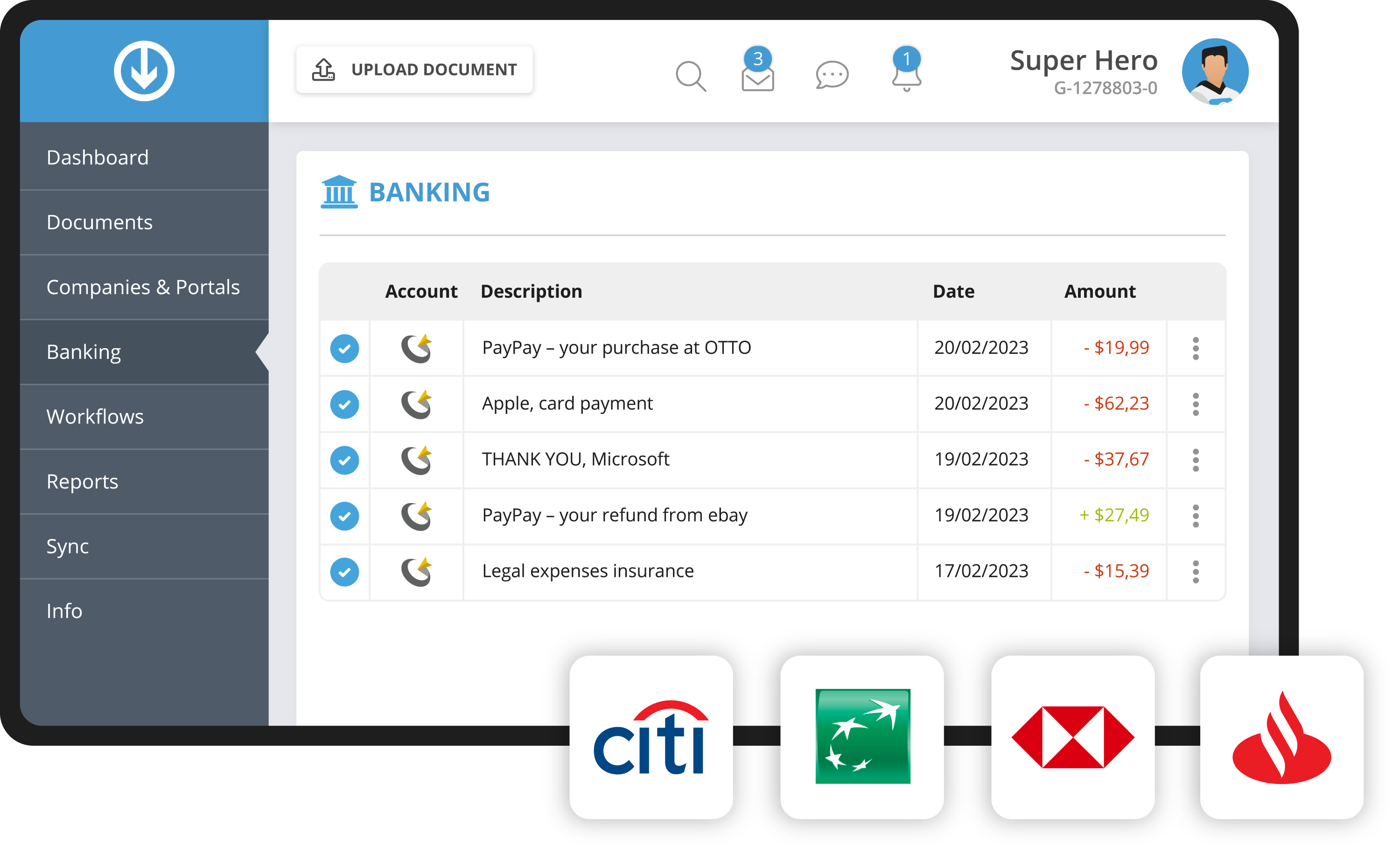
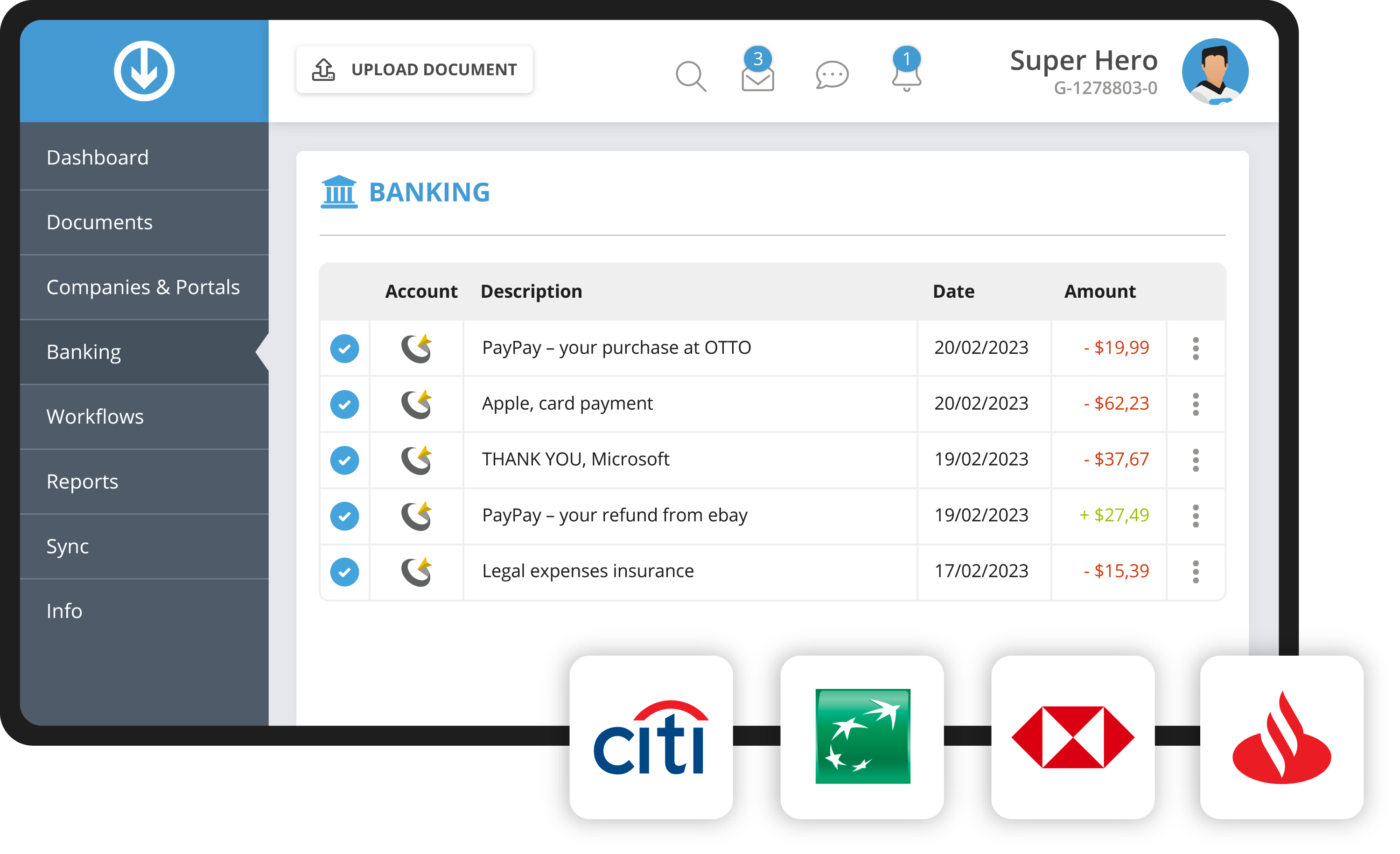
With our banking feature, you connect your company's bank accounts to the highest security standards. We handle the automatic account reconciliation for you. No posting without a receipt, no time-consuming manual matching of invoices and bank transactions.
- Try it, no obligation
- Explore all features
- No risk
Key facts at a glance
You connect bank accounts and credit cards to GetMyInvoices, and the software matches transactions and receipts to each other automatically. The connection runs via the PSD2 procedure and works with any bank. Alongside a bank account, you can connect PayPal, Stripe and your own connections through an Excel or CSV upload.
- Four connection types: Online banking, PayPal, Stripe, Excel or CSV upload
- Matching: Document recognition suggests the invoice that matches the transaction
- Side effect: Transactions without a receipt reveal missing portal or mailbox connections
How your team benefits from the banking feature
You connect bank accounts in just a few steps. With our banking feature, transactions are matched and linked to the corresponding invoices. The set-up assistant suggests missing portal connections. Missing invoices are a thing of the past.
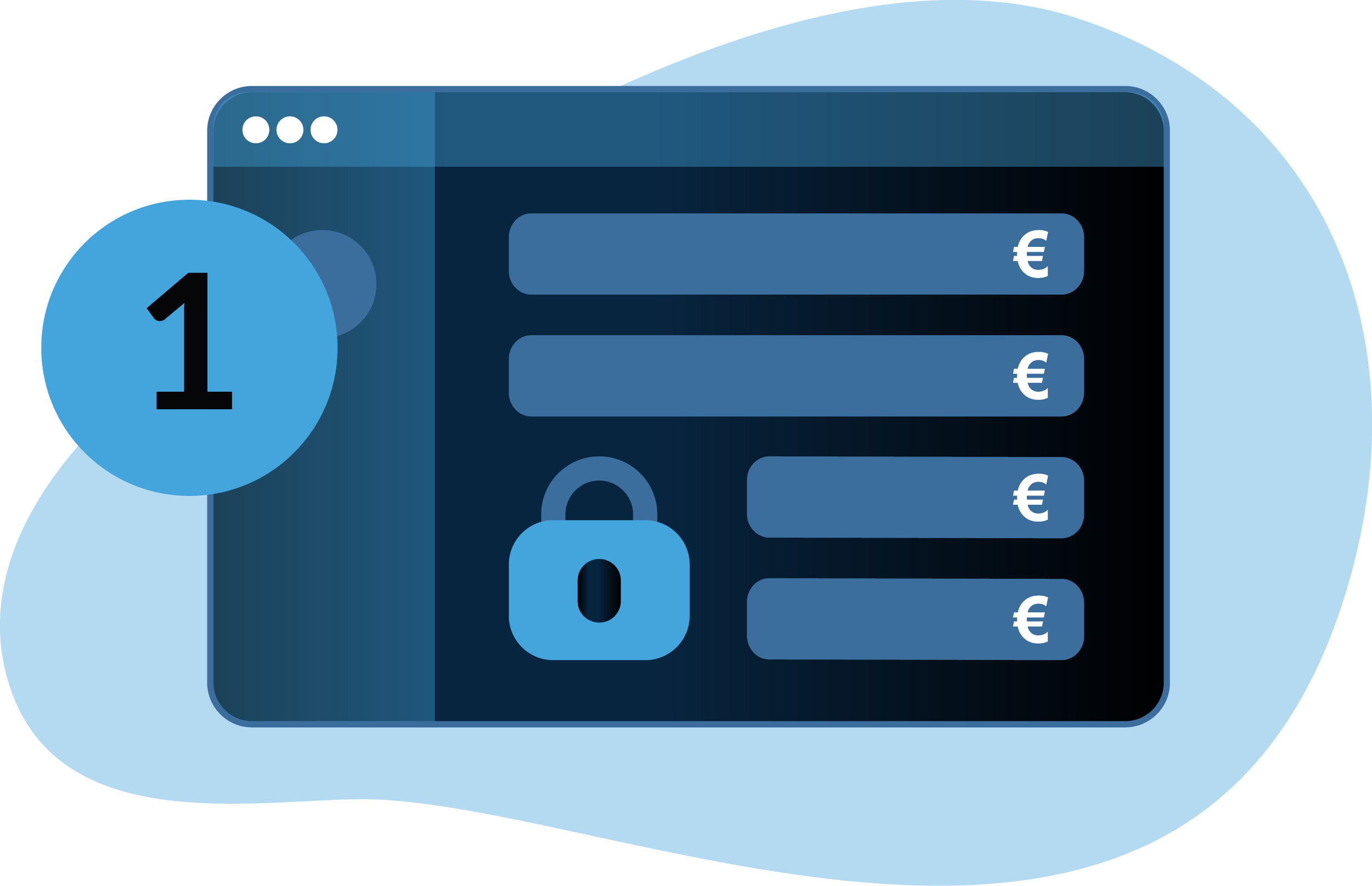
Connect any bank account or credit card
Connect bank accounts or credit cards to GetMyInvoices to import all account transactions. It does not matter which bank your company uses, because our bank login works with any bank, straightforwardly and securely. You can of course also upload account transactions as a CSV file.
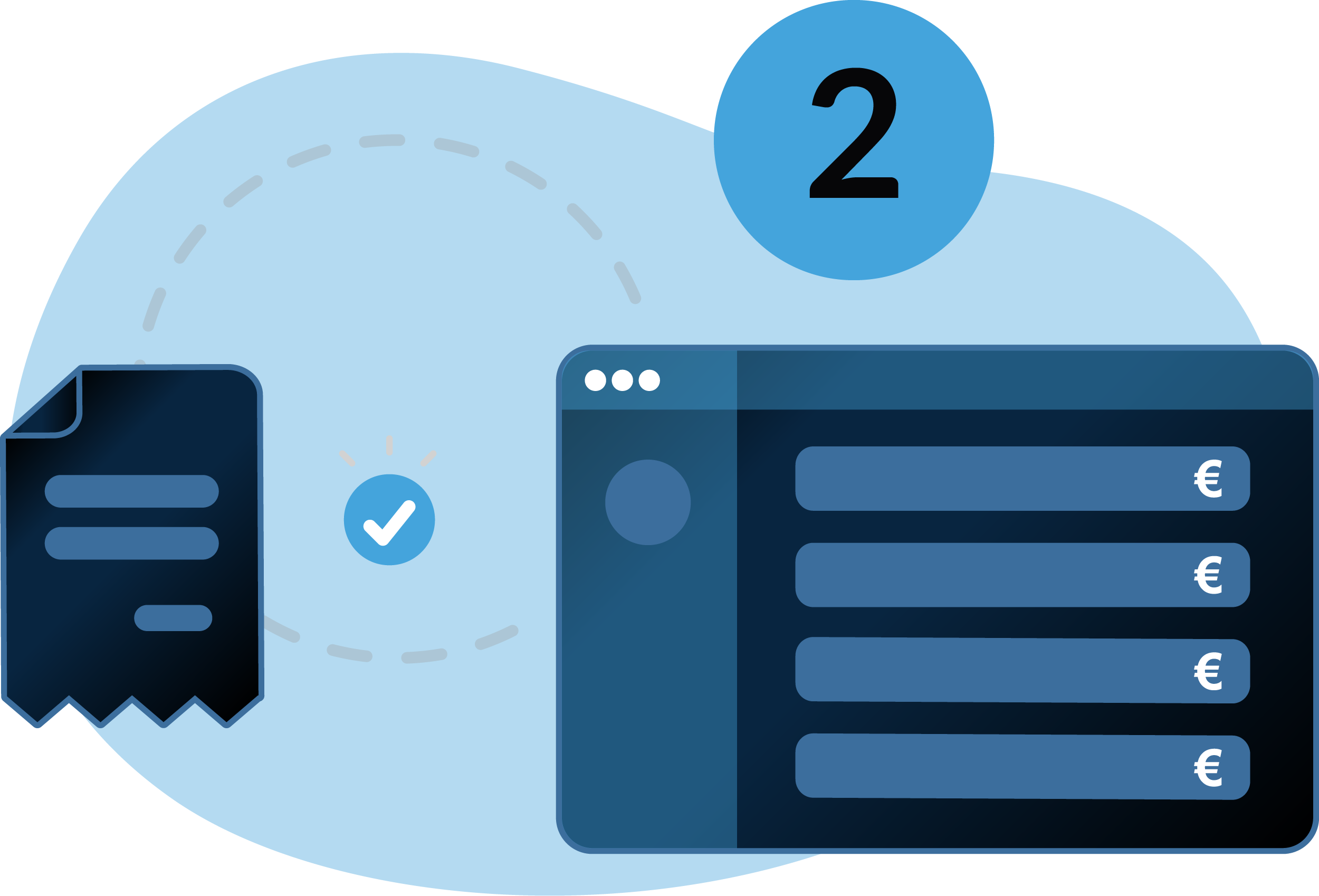
Automatic suggestions of matching invoices
As soon as bank accounts are connected, GetMyInvoices lets you match and link all documents with the corresponding transactions. Our set-up assistant provides intelligent suggestions, so tedious manual matching is a thing of the past.


Reduce missing invoices
By reconciling transactions and receipts, your team is alerted to missing online portal or email account connections, so missing invoices are avoided in future. If a receipt is lost, you can easily create a self-generated receipt in GetMyInvoices. Simply fill in the stored form and print it.
Frequently asked questions
If you have more questions about GetMyInvoices, visit our help centre.
The security of your data matters to us. We use the PSD2 procedure when you connect bank accounts. This ensures uniform, secure and efficient payment processing across the EU. Access to payment accounts runs exclusively via specific data interfaces (APIs) of the banks.
Yes, you can connect a PayPal account to GetMyInvoices. Four types of bank connection are currently available: your online banking account, PayPal, Stripe and custom bank connections via Excel or CSV upload.
You can define your own banking rules for all connected online portals, company profiles and bank accounts in GetMyInvoices. Your account then reconciles bank transactions automatically with the already imported invoices that match them.
The software uses intelligent text recognition (OCR) to identify and extract relevant information from receipts. It then links them to the matching transactions.
You connect accounts via online banking, as well as PayPal, Stripe and your own bank connections through an Excel or CSV upload. The bank login works with any bank, regardless of the institution.
Yes. If you would rather not set up a direct bank connection, simply upload your account transactions as an Excel or CSV file.