Map recurring document approvals and payment runs
Workflows Pro
Approval processes with automatic risk assessment
Workflows Pro digitally maps your approval and payment processes. The Fraud Risk Assistant also assesses every incoming invoice and flags anomalies before you pay. Both are included in the module.
- Try it, no obligation
- Explore all features
- No risk
Key facts at a glance
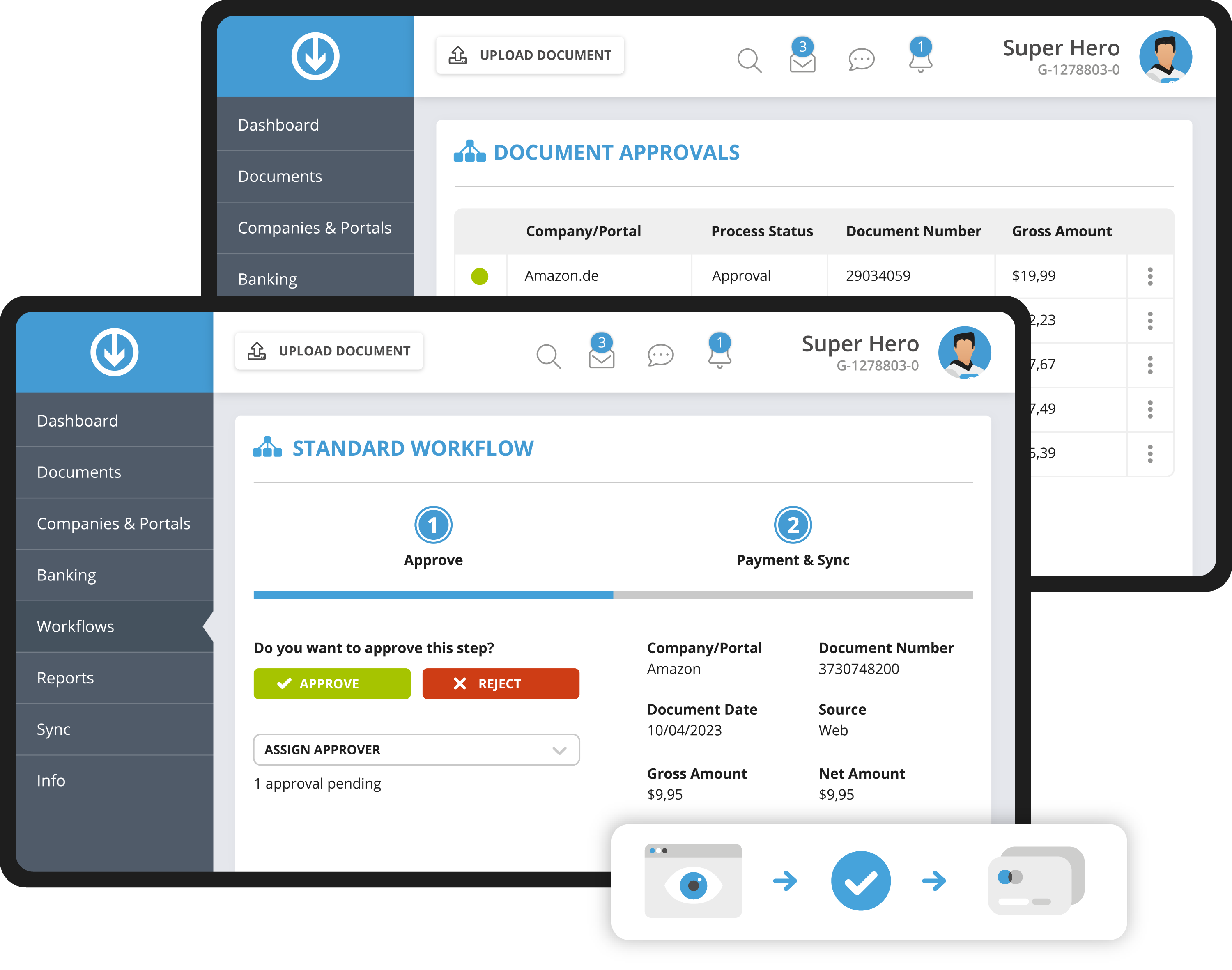
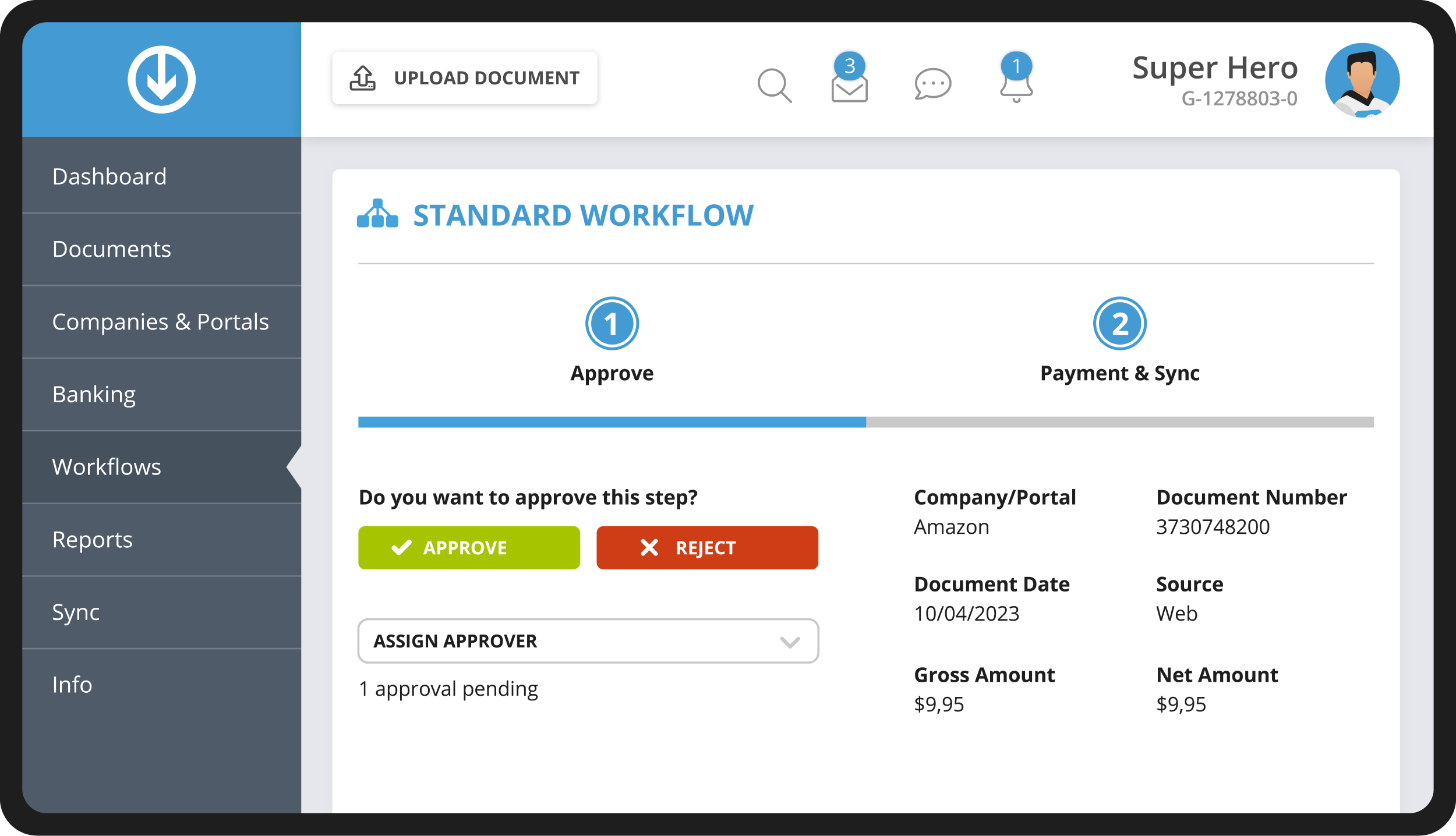
Workflows Pro maps your approval and payment processes digitally. You define who checks and approves which invoice, up to which net amount a person may decide, and which rules apply by document type, company, portal or tag. The number of workflows is not limited. You book the module in addition to your plan.
- Three areas: Document approval, payment runs, lists for open items
- Rules: multi-step approvals, budget limits, automatic approval where there is nothing to check
- Additionally: Fraud Risk Assistant for risk-checking incoming invoices
Why teams work
with Workflows Pro
Every approval process is as individual as your team
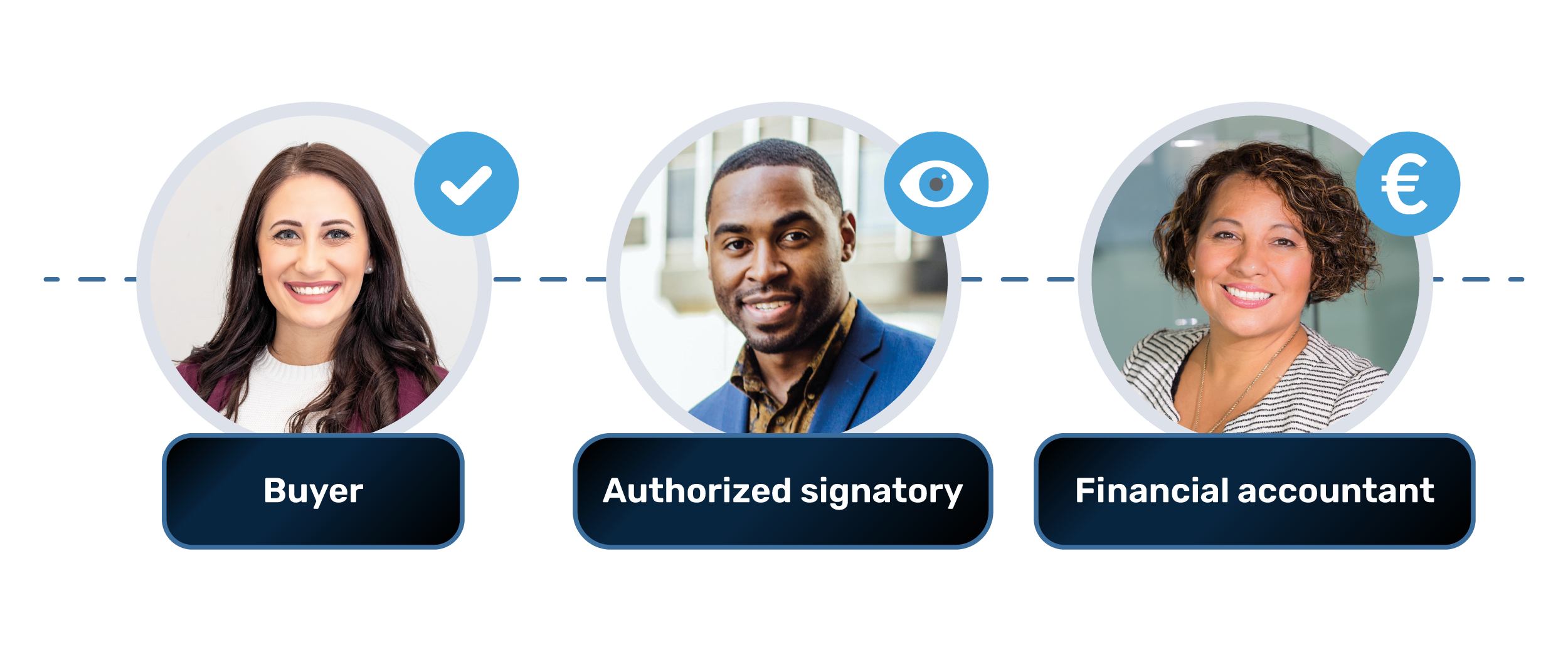
For each approval step, you define one or more approvers
The Fraud Risk Assistant automatically checks every incoming invoice for anomalies
No approval needed? Have documents approved automatically
The solution for
efficient workflows
Workflows Pro combines two things: structured approvals for your team and an automatic assessment of every incoming invoice. This lets you work faster while seeing at a glance where a second look is worthwhile.
Fast approvals
Have invoices approved quickly and efficiently by one or more people. This speeds up the entire invoice process, reduces manual effort and saves valuable time.
Maximum flexibility
Every company has different requirements. Design the workflows for your team according to your own rules and integrate them seamlessly into existing business processes.
Compliance and control
You define rules to ensure that the invoice process meets your control standards and is subject to the required approval levels.
Costs and risks at a glance
Keep control over all invoice approvals to avoid unauthorised spending. The Fraud Risk Assistant also assesses every incoming invoice and flags anomalies before the payment is approved.
Transparent tracking
You and your team keep track of the status of an invoice at all times and can follow the entire invoice process.
Your workflow, your rules
Individualise
your invoice processes
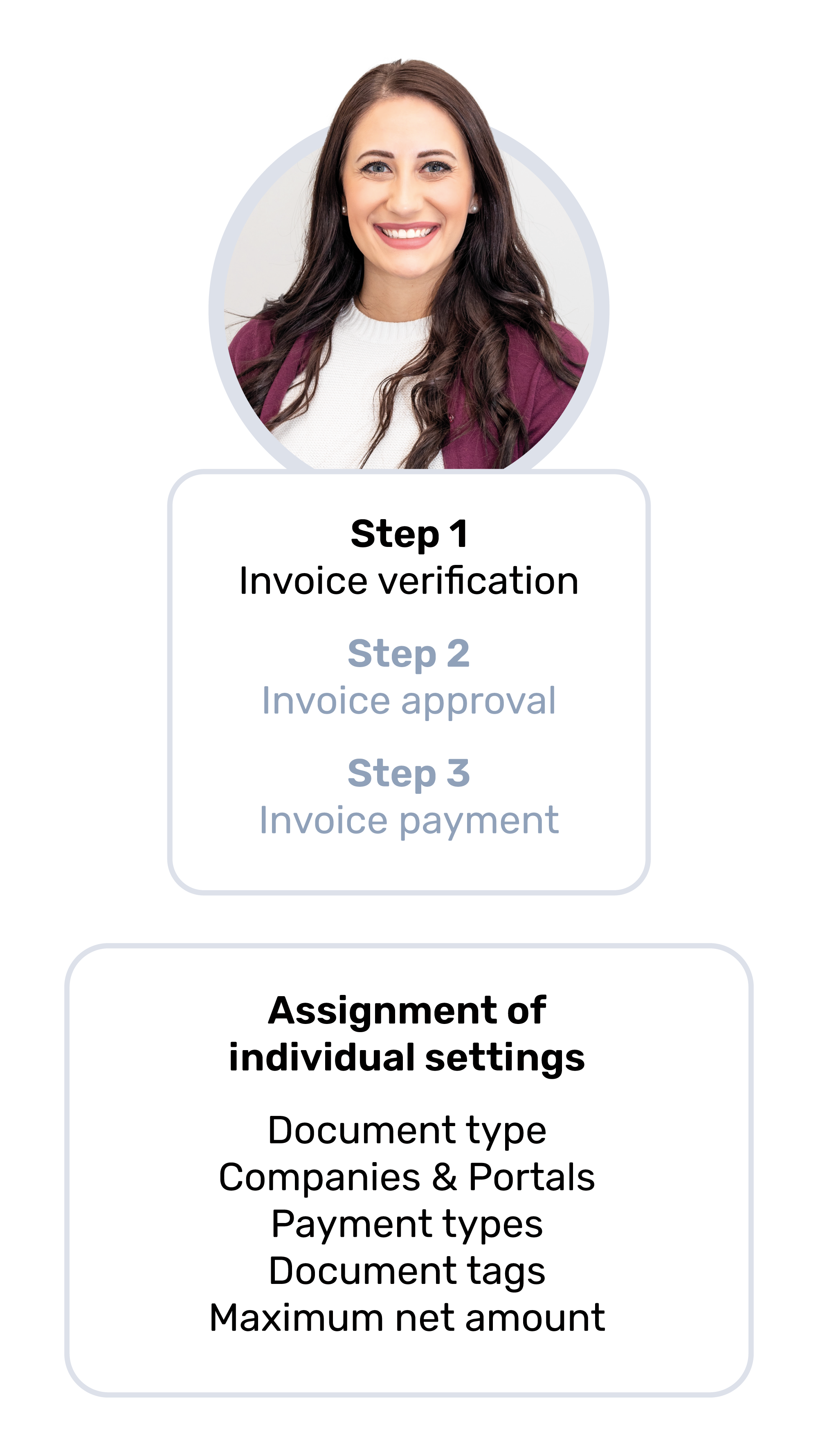
At GetMyInvoices, we understand that every company is unique. That is why we give your team the option to configure your invoice processes individually. You can define workflows based on your organisational structure, responsibilities or projects.
-
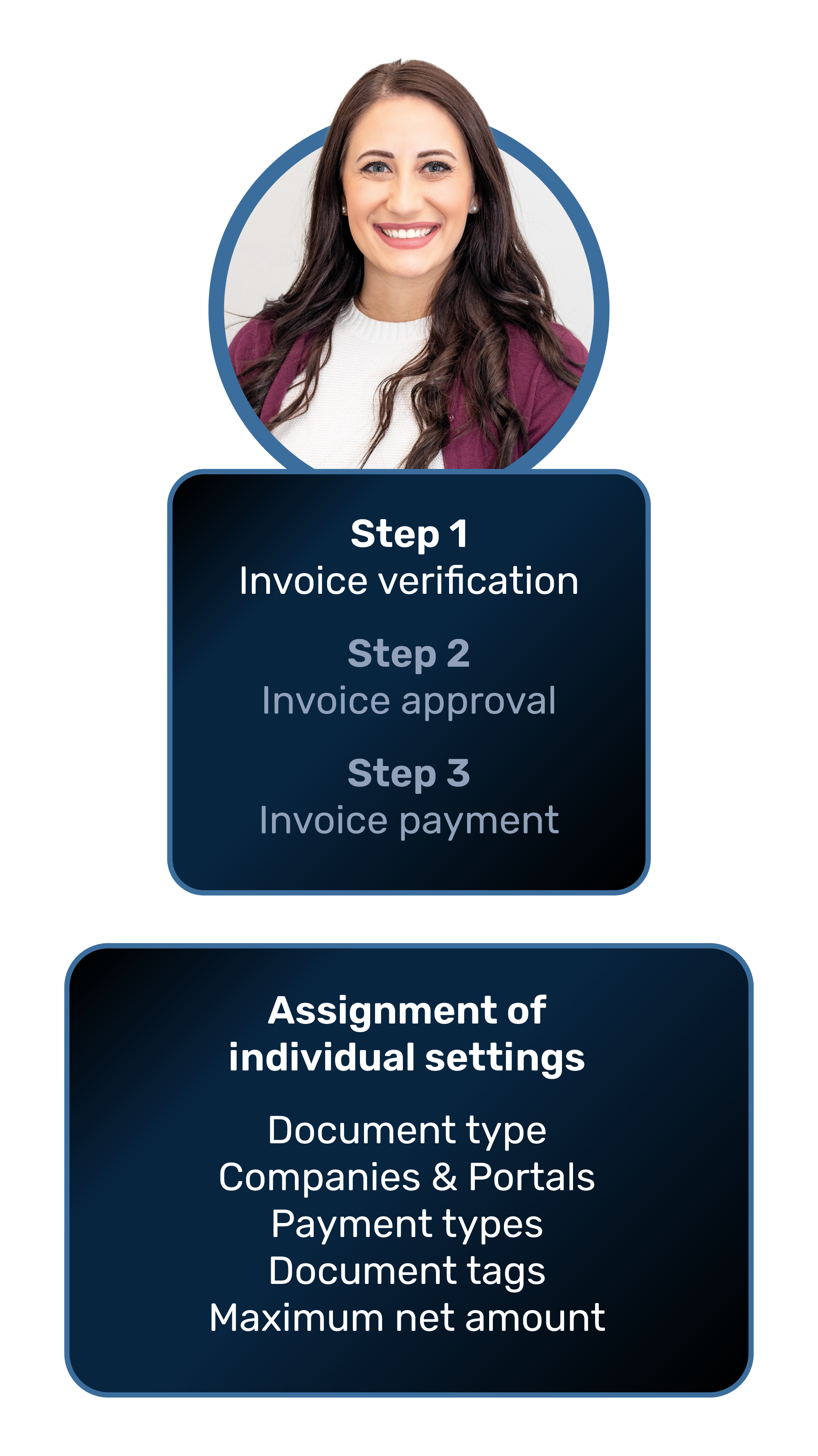
Workflow steps: Structure your invoice processing by assigning specific tasks and responsibilities, such as invoice checking, approval and payment, to selected people.
-
Individual rules: Assign individual rules to each process for document types, companies and portals, payment methods and document tags.
-
Budget limits: Set a maximum net amount up to which the responsible person can process invoices.
Fraud Risk Assistant
Included in
Workflows Pro
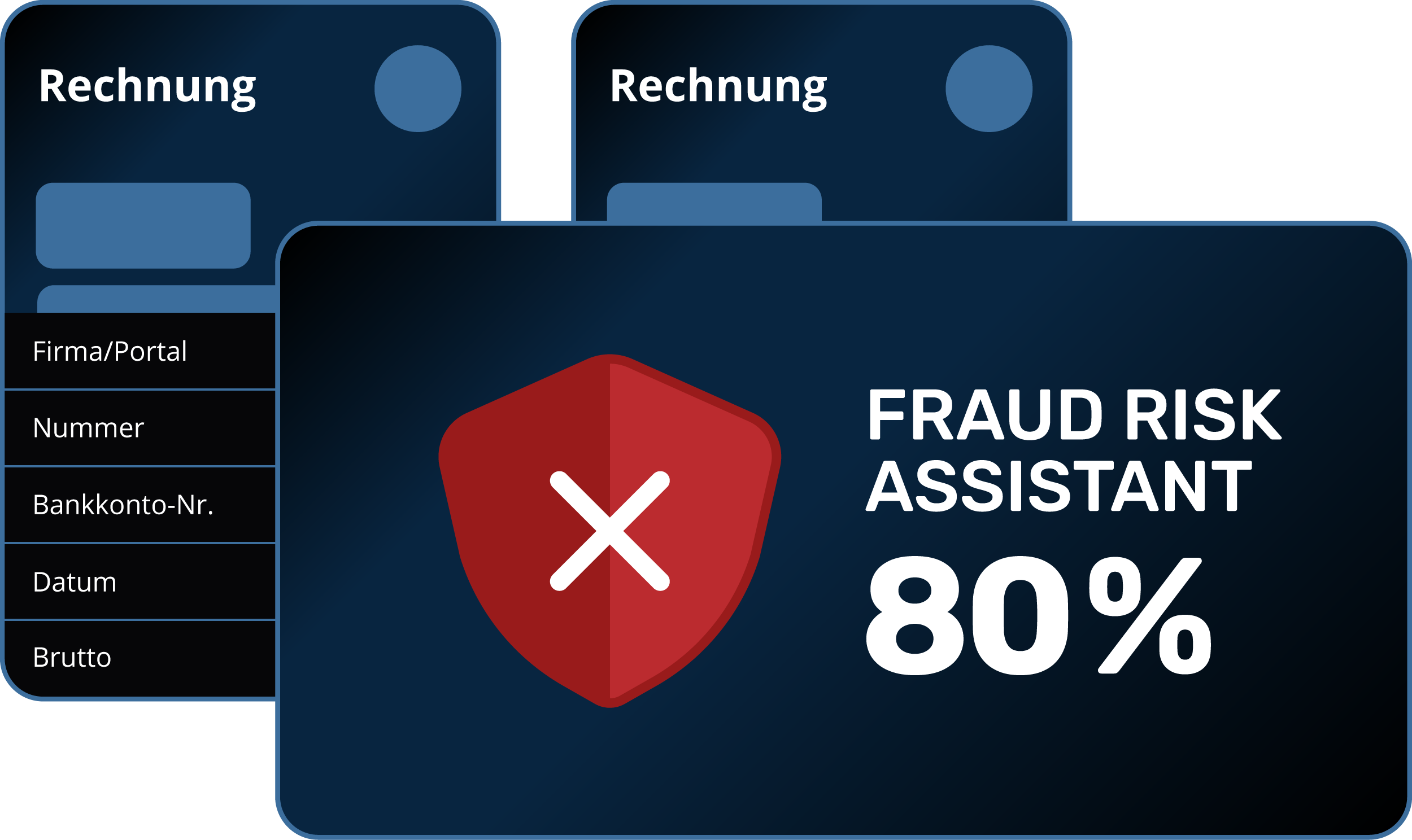
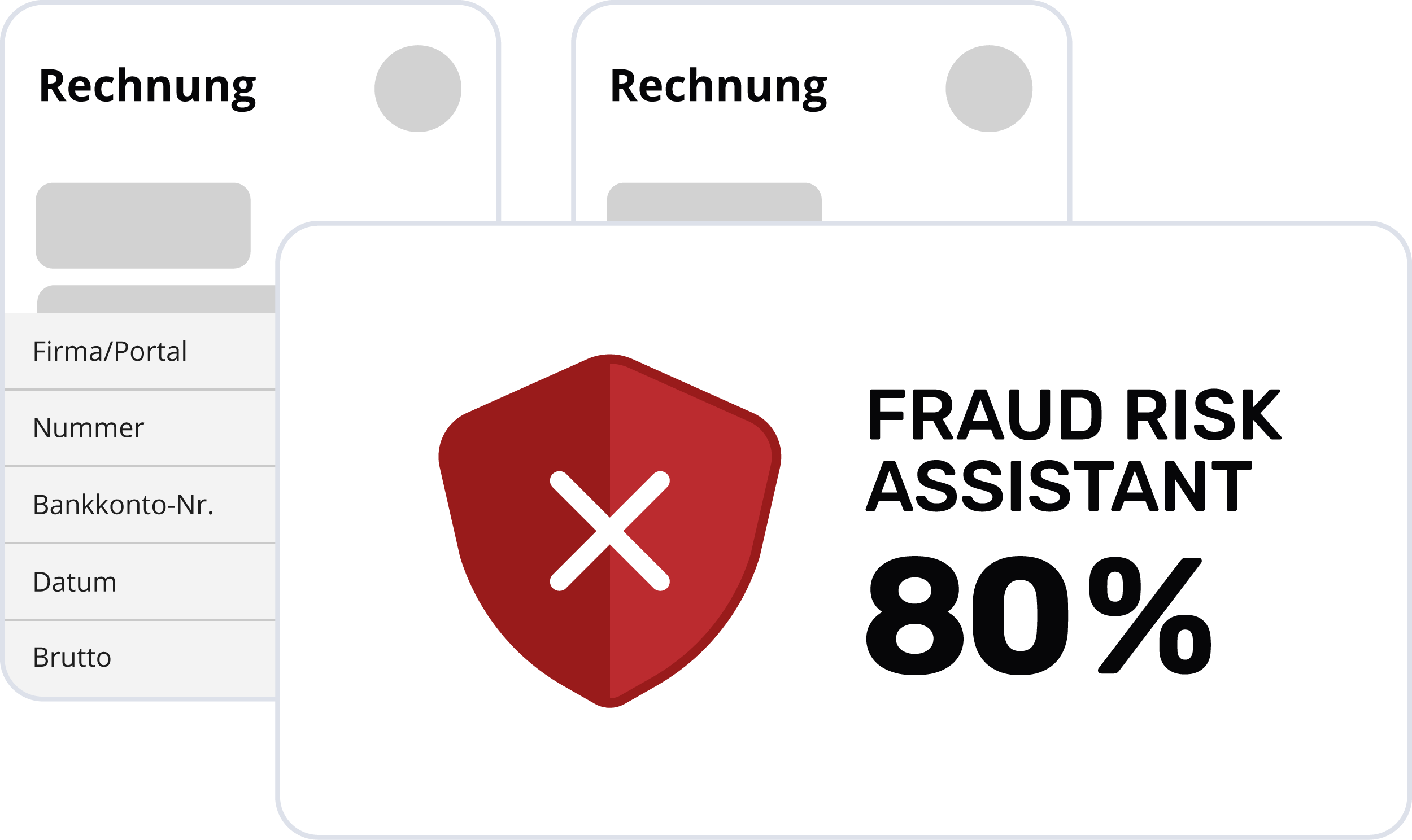
The Fraud Risk Assistant detects typical anomalies in incoming invoices and alerts you and your team to possible risks. This creates an additional layer of security, directly in your workflow and without any extra effort. Your team keeps control over approvals while gaining a sound basis for its decisions. The check runs alongside the invoice as it goes through approval anyway. A payment is not blocked by the system.
Working in turbo mode
Automate
workflows across your company
By automating routine tasks, your team saves valuable time: our workflow solution not only speeds up the process but also reduces the risk of errors that comes with manual processing.
Create workflows tailored to your company that handle recurring tasks automatically. Set priorities, define triggers and let the software do the work for you while your team focuses on more important tasks.
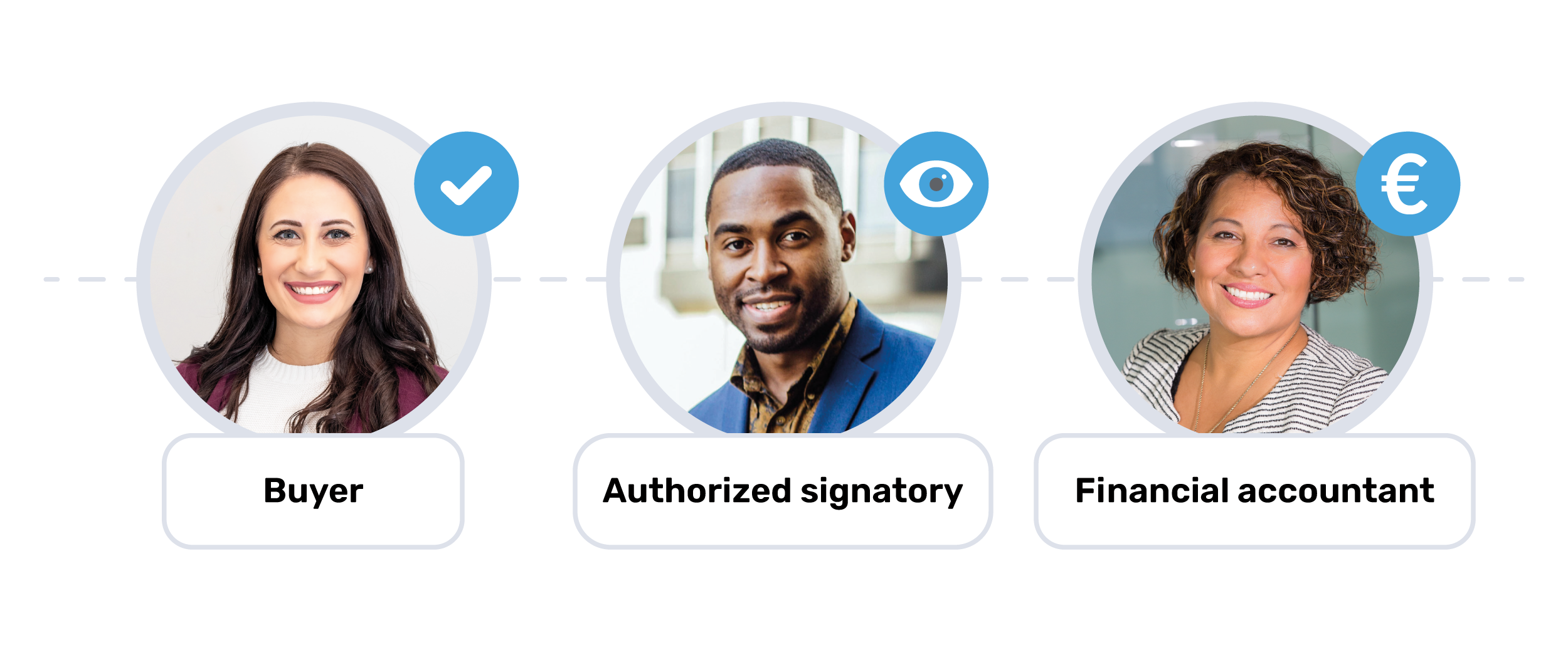
Define responsibilities
Seamless collaboration
for smooth processes
Our workflow solution encourages seamless collaboration within your team. Assign responsibilities to the relevant people, divide the tasks among yourselves and communicate directly through the platform. You stay informed about the current progress of an invoice at all times and keep track of every further step in the workflow. Efficient teamwork has never been this easy!
Try GetMyInvoices
free for 14 days
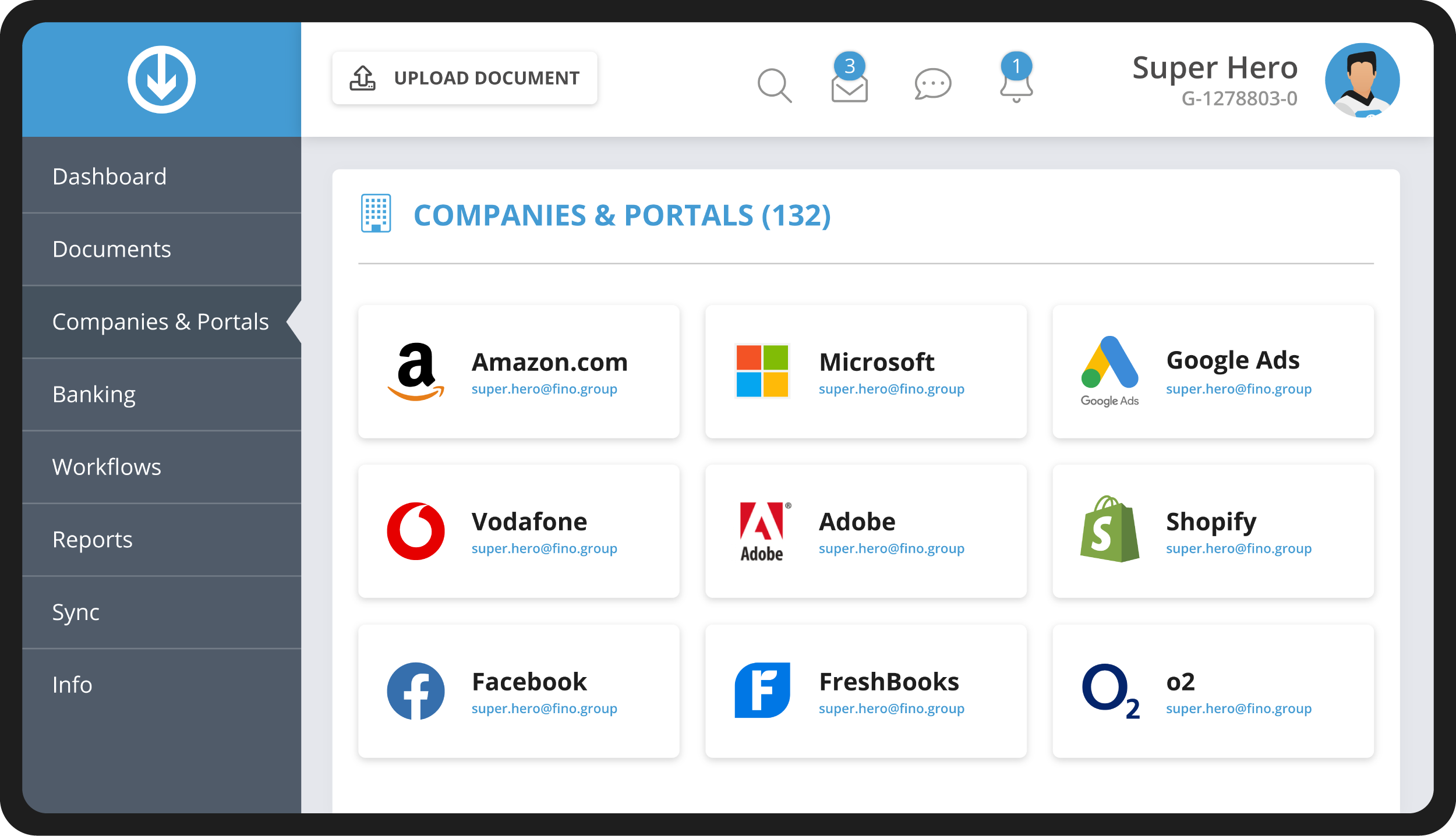
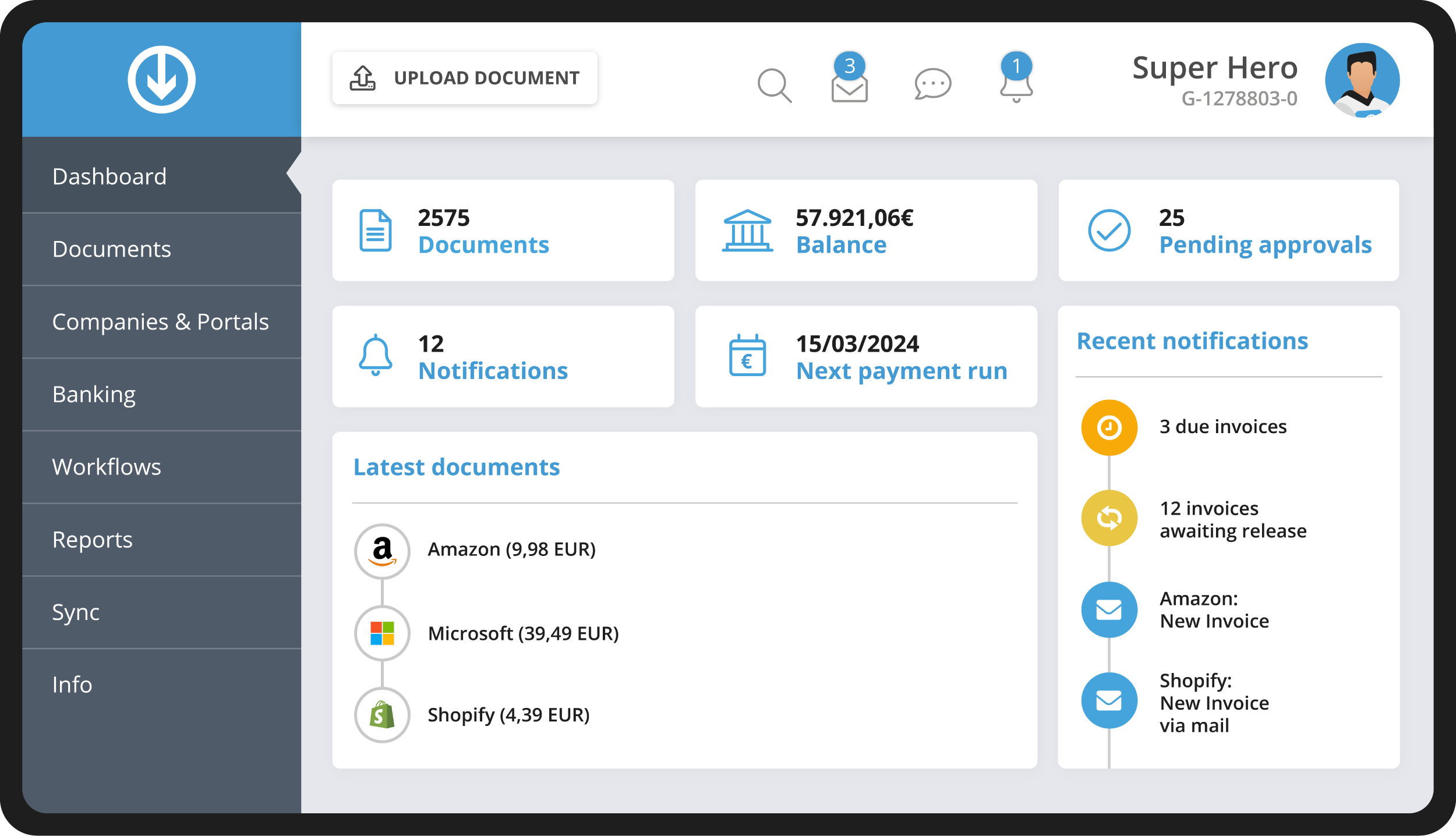
GetMyInvoices automates the collection of your invoices and receipts, processes them and forwards them to your tax adviser or a system of your choice. With Workflows Pro, you get structured approval processes and automatic risk assessment of your incoming invoices. See for yourself!
- Try it, no obligation
- Explore all features
- No risk
Frequently asked questions about Workflows Pro
If you have further questions about GetMyInvoices, visit our
help centre
.
Workflows map your company's internal procedures and processes. This lets you represent specific approval and checking processes as well as payment runs digitally.
Intelligent approval processes help you and your team process documents and payments faster. This saves time and money. You also avoid errors and make sure that all documents are processed on time.
Workflows Pro has four areas: document approval, payment runs, lists for linking open items to your documents, and the Fraud Risk Assistant, which automatically checks incoming invoices for anomalies.
You can add Workflows Pro to your GetMyInvoices plan. The cost depends on the plan you have booked, based on the number of documents. To activate the module, select "Billing" in the menu and book the "Workflows Pro" feature.
If you already use GetMyInvoices in your company, you can simply add the module in the "Billing" area. New to GetMyInvoices? Welcome! Register, choose the plan you want, activate Workflows Pro and use the 14-day trial period to try out all the features at your own pace.
To set up a workflow, log in to GetMyInvoices and select the Workflows module. There you set up document approvals or payment runs for your team. Our YouTube video "Using GetMyInvoices even more efficiently with workflows" provides detailed setup instructions.
Yes. Alongside Workflows Pro, you can still book the version without the Fraud Risk Assistant. It includes all approval and payment features, but no automatic assessment of your incoming invoices. In that case, you would need to spot anomalies yourself.