GetMyInvoices Desktop App

Quickly integrate online portals--
stable and reliable

  • Try it out with no obligation
  • Learn About All the Features
  • No risk
Quickly integrate online portals--stable and reliable Quickly integrate online portals--stable and reliable

Key Points at a Glance

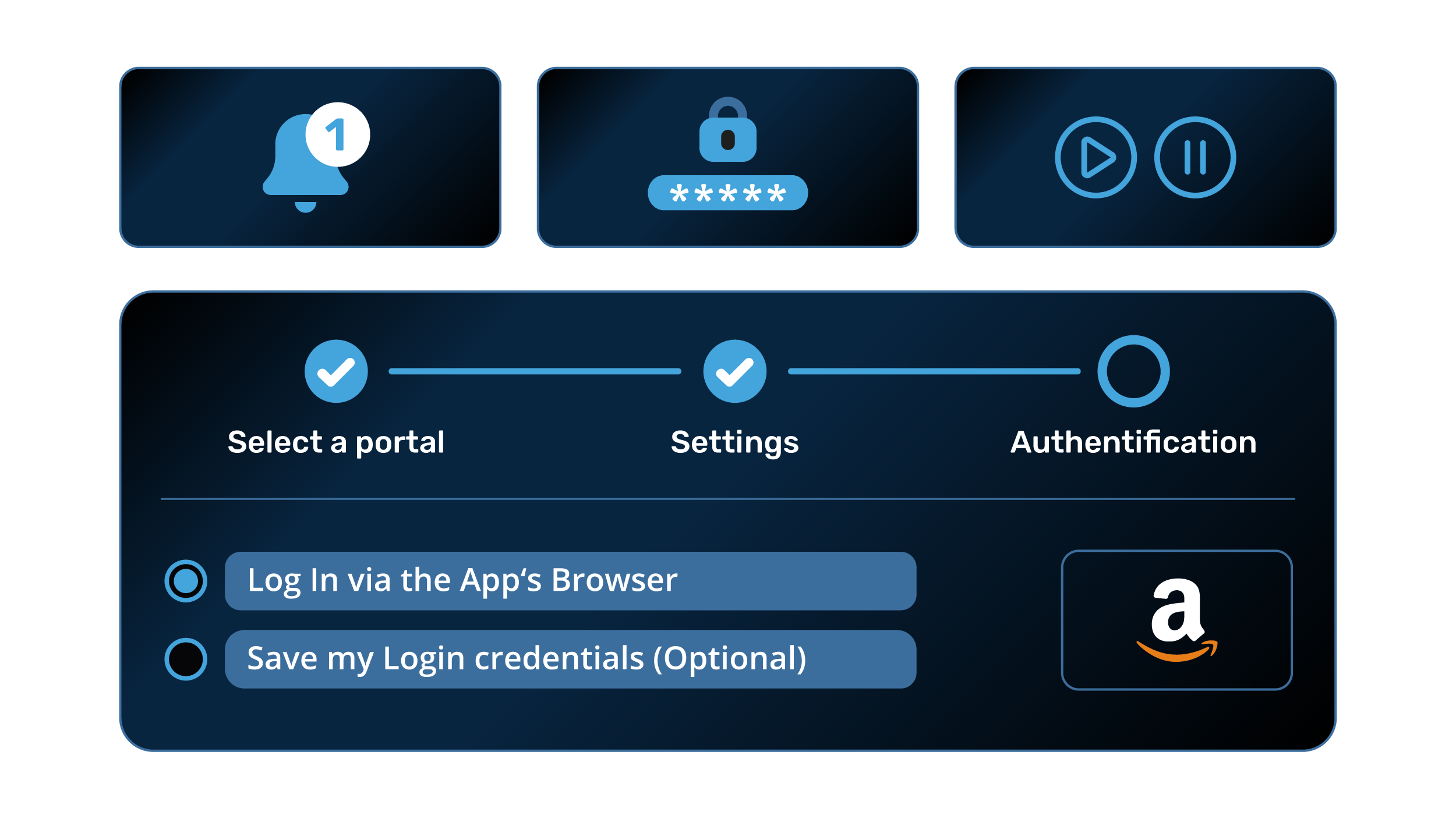
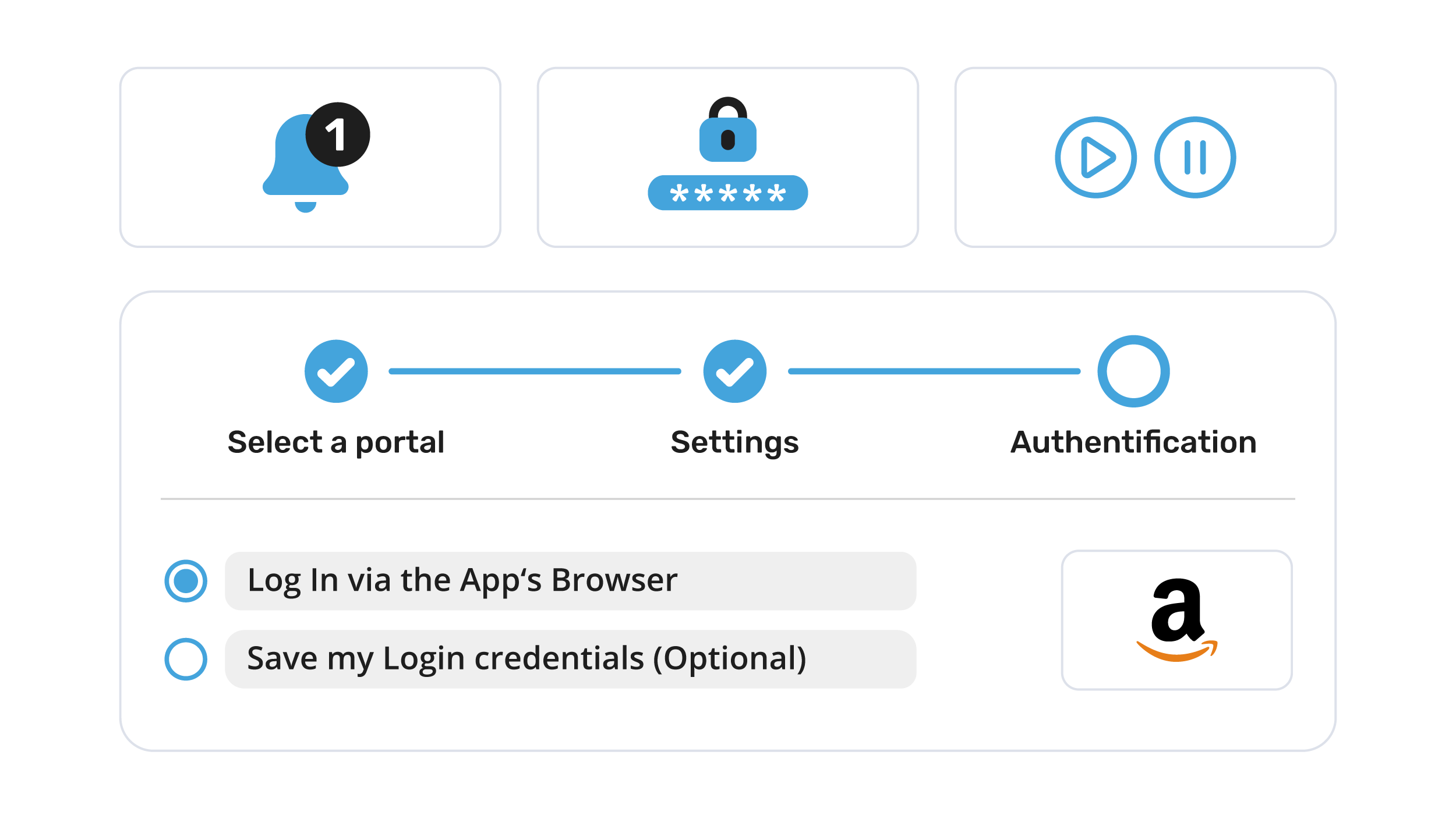
The desktop app for Windows and macOS retrieves your invoices locally on your computer instead of via our servers. This eliminates expired browser sessions and timeouts, and you decide for yourself whether to save passwords at all. Password managers and passkeys are supported. If a new login or 2FA code is required for a portal, the app notifies you so you can respond immediately.

  • Login credentials: Saving them is optional; you can log in even without saved passwords
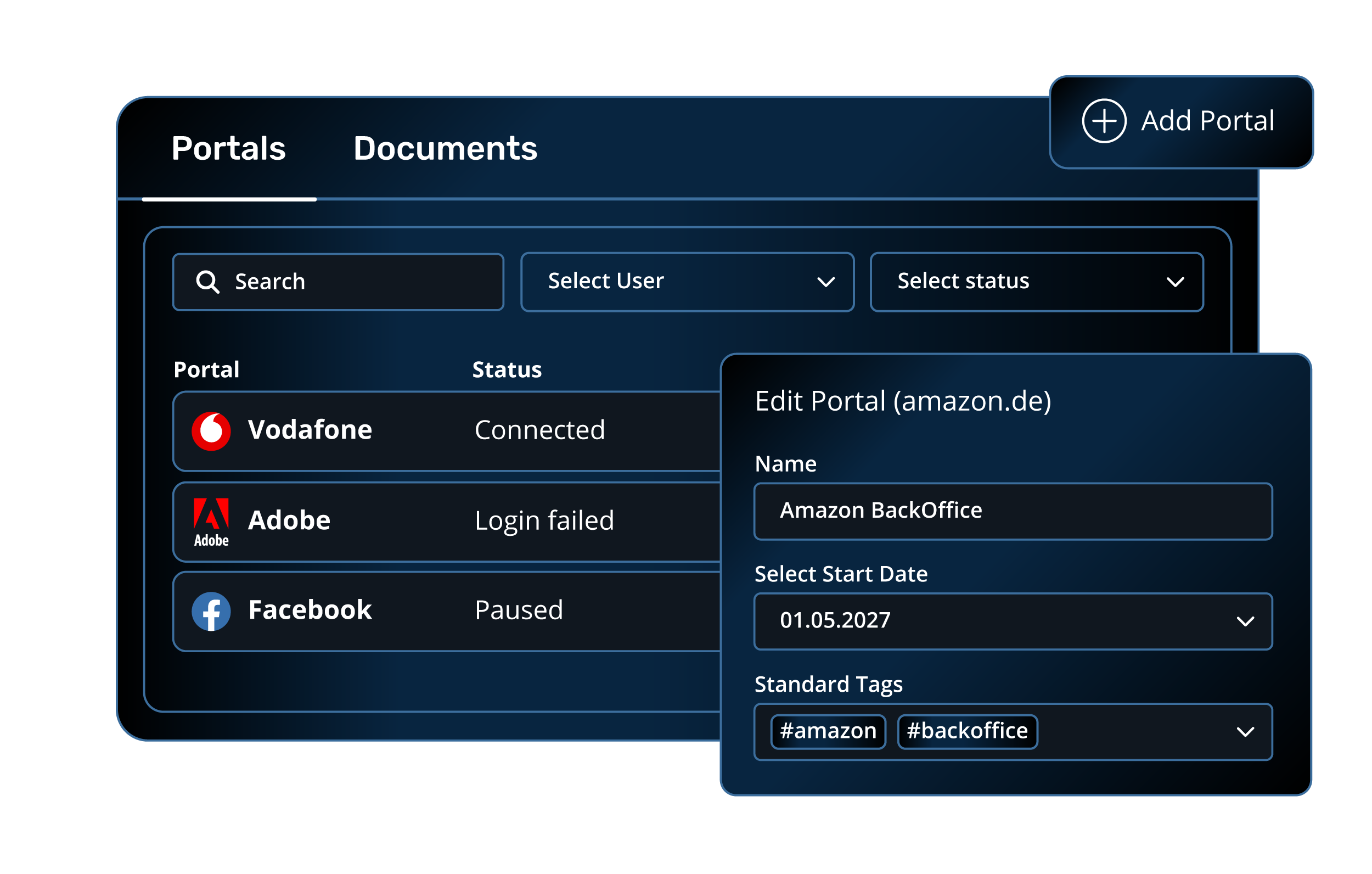
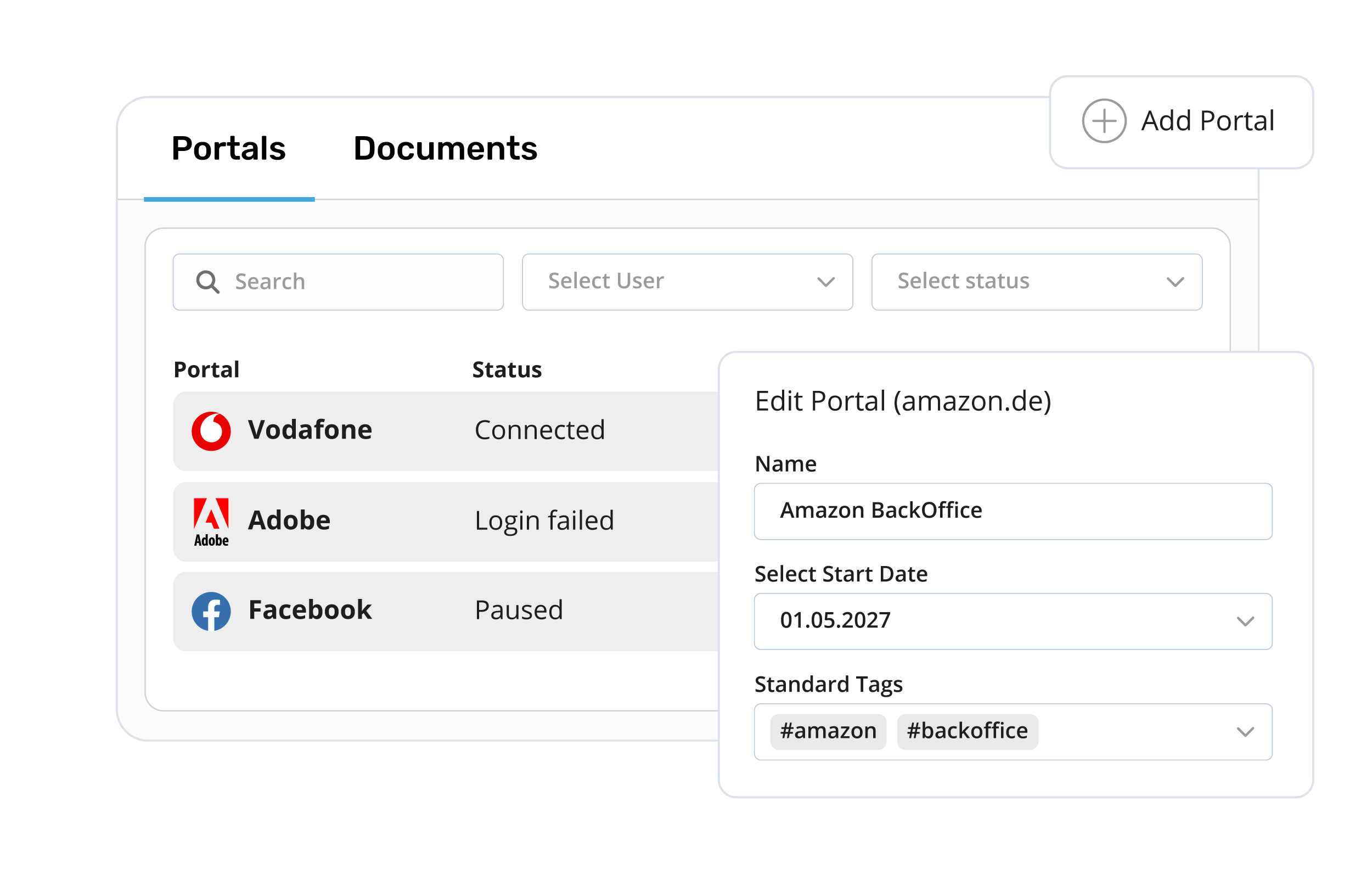
  • Overview: All portal connections in one place, showing the last and next access times as well as pending tasks
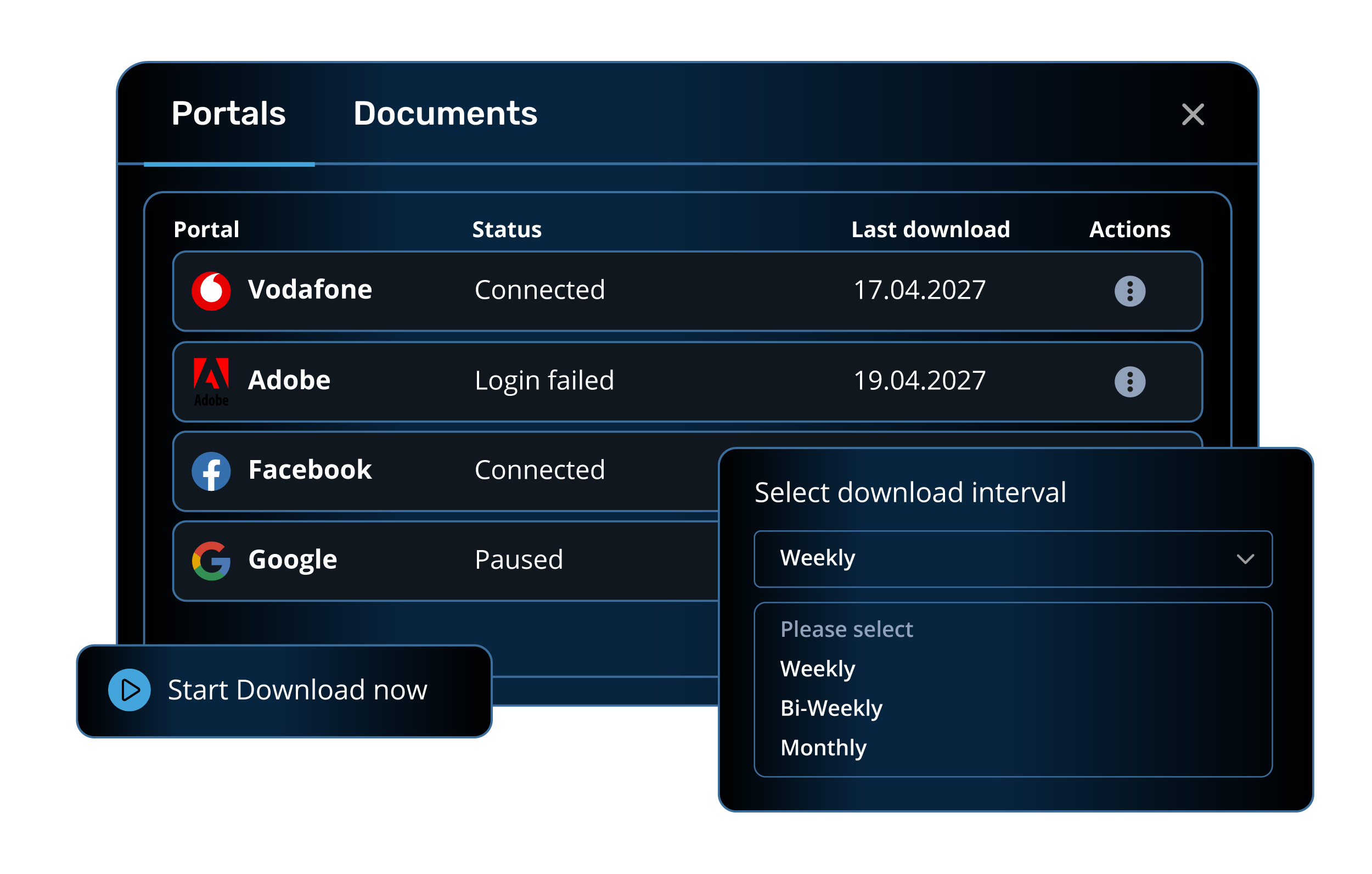
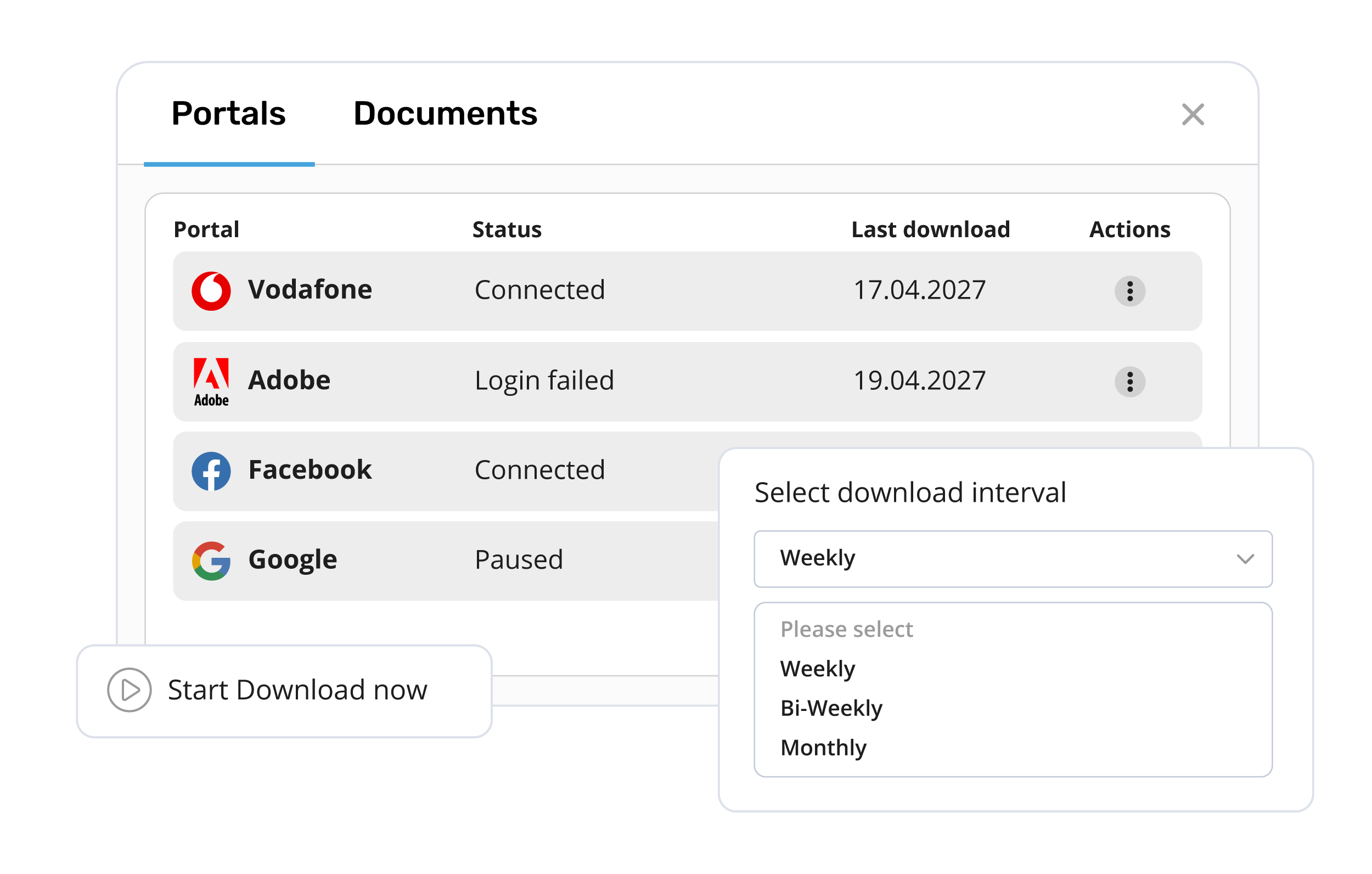
  • Control: Retrieval interval can be set freely; retrievals can be paused at any time

Because smooth operations
are no coincidence

The desktop app makes connecting to portals faster, more stable, and easier. Updates are completed quickly. If you prefer, you can connect your portals without storing your login credentials with us.

All Portal Connections at a Glance

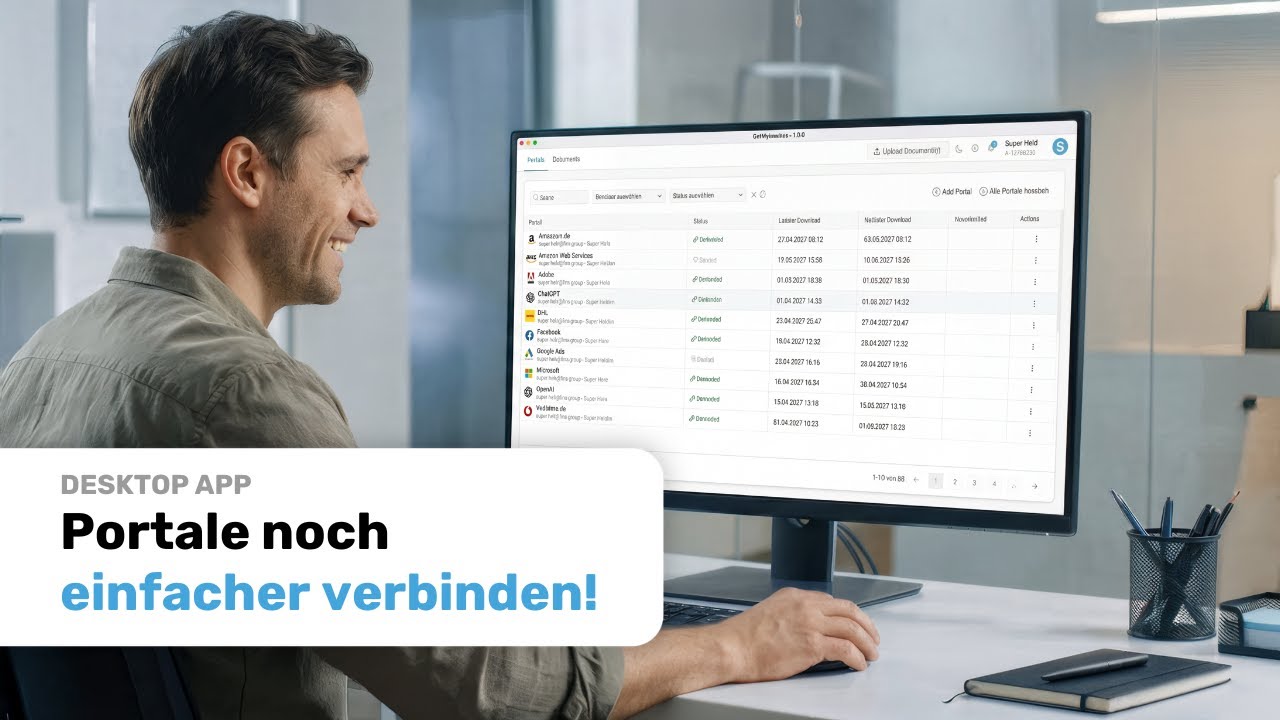
The desktop app clearly displays all connected portals, including retrieval status, last activity, and next steps. You'll always know if everything is running smoothly.

Security Without Compromise

You retain full control over who has access to your portals and documents. Saving passwords is optional. It's up to you.

Get notified right away when there's something to do

The app notifies you when you need to renew a login, enter a 2FA code, or confirm a portal. You can respond immediately and keep your connections up and running at all times.


A smiling GetMyInvoices employee working on a laptop

Expired browser sessions, timeouts, and 2FA interruptions are annoying when you just want to quickly download invoices. With the desktop app, we've reimagined the invoice download process and made it available locally. Our customers get a unique AI assistant that's reliable, fast, and available at all times.

Key Features
of the GetMyInvoices Desktop App

The desktop app is your central hub for managing all portal connections and reliably controlling invoice retrieval. It shows you at any time which portals are connected, whether logins are up to date, and when invoices were last retrieved. All processes run automatically in the background--transparently and easily traceable.
Invoice forwarding from GetMyInvoices to DATEV Unternehmen Online and ADDISON OneClick
Download Invoices

Management of All Portal Connections

  • The app is available free of charge to all GetMyInvoices users
  • Centralized control of registrations, settings, and options
  • Portal-specific settings are possible (e.g., specific invoice types or merchants)
Invoice forwarding from GetMyInvoices to DATEV Unternehmen Online and ADDISON OneClick
Security

Compatible with password managers and passkeys

  • Support for popular password managers and passkeys
  • Faster, more secure login without manual entry
Invoice forwarding from GetMyInvoices to DATEV Unternehmen Online and ADDISON OneClick
Transparent Processes

Automated Workflows with Clear Status Indicators

  • Regular retrieval of your invoices from all linked portals
  • Support for popular password managers and passkeys
  • Retrieval interval can be set freely
  • Status shows you at any time:
    • when it was last accessed
    • when the next call for orders will take place
    • whether a login or confirmation is required
Invoice forwarding from GetMyInvoices to DATEV Unternehmen Online and ADDISON OneClick
Custom Settings

Control & Capacity to Act

  • Immediate notifications when a portal needs your attention
  • Allows for immediate responses, e.g., when updating login credentials or using 2FA
  • Viewing can be paused or resumed at any time
  • Optional password storage
Invoice forwarding from GetMyInvoices to DATEV Unternehmen Online and ADDISON OneClick
Ready in just a few steps

How to Set Up the Desktop App

The desktop app is available free of charge to all our customers.

  1. Download the app from your GetMyInvoices account at Windows or macOS.
  2. Log in using your GetMyInvoices credentials (email address and password).
  3. To start, we’ll scan your Chrome browser bookmarks to recommend supported portals for downloading invoices. Start the scan or skip this step.
  4. You can then connect your portals and upload and manage your documents.

Frequently Asked Questions

If you have any further questions about GetMyInvoices, please visit our Help Center .

It retrieves invoices locally on your computer. This eliminates expired sessions and timeouts, and you don't have to store your portal passwords with us.

No. Saving passwords is optional; you can decide on a per-portal basis.

Yes, common password managers and passkeys are supported, so you can log in without having to enter your credentials manually.

The app notifies you as soon as you need to refresh your login, enter a 2FA code, or confirm a portal. You can respond immediately, and the connection remains active.

You can set the refresh interval yourself. In the overview, you can see when the last refresh took place and when the next refresh is scheduled. You can pause and resume refreshes.

Download it from your GetMyInvoices account at Windows or macOS and sign in with your GetMyInvoices credentials. Then connect your portals. Optionally, the app will scan your Chrome bookmarks and suggest relevant portals.