Manage invoices

Digital management of your documents

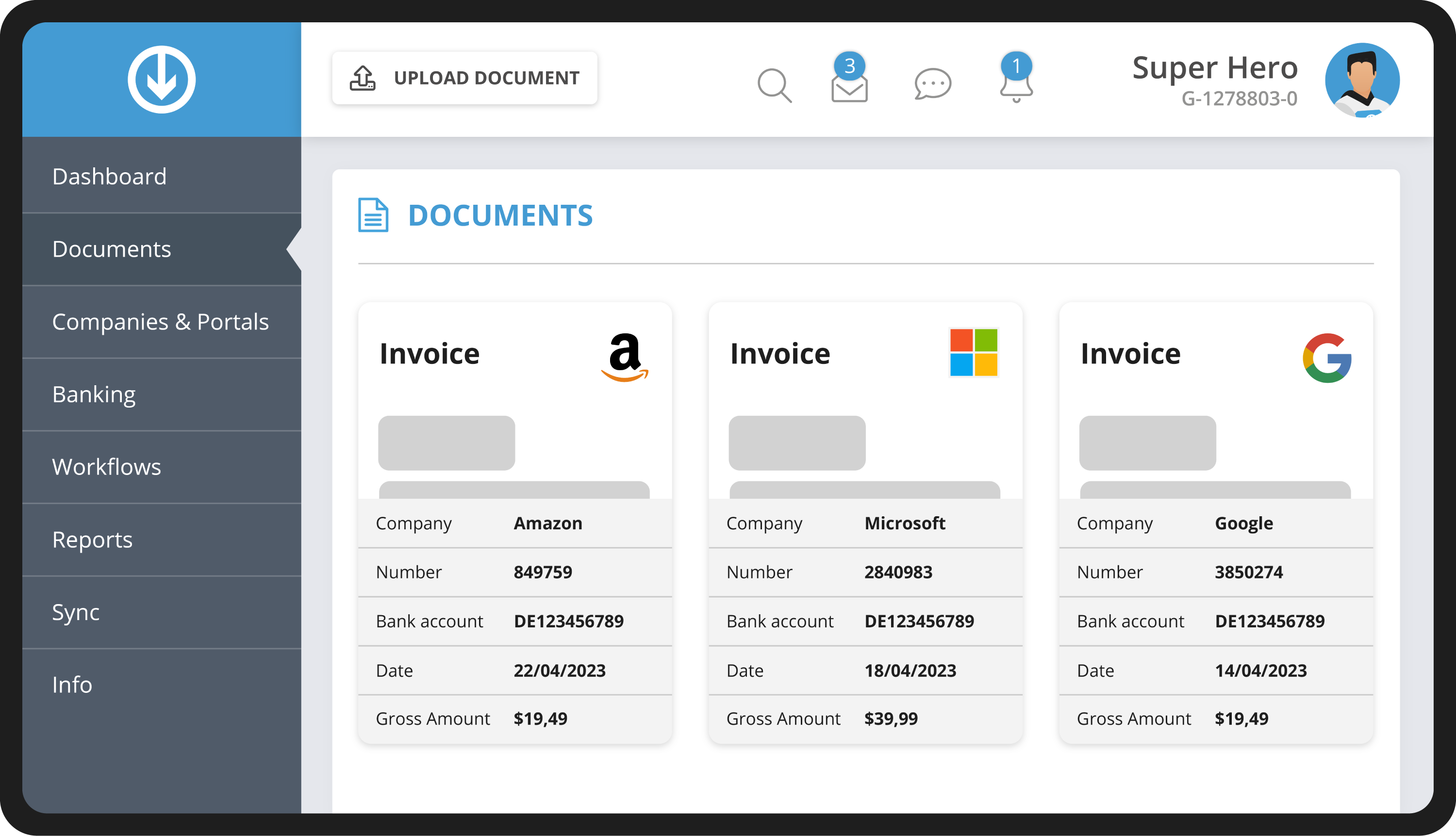
The central document management keeps all your invoices and receipts in one place. That way you and your team stay in full control and can view and edit all your company's documents at any time.

  • Try it, no obligation
  • Explore all features
  • No risk

Key facts at a glance

All invoices and receipts sit in one place in the browser, ready to structure by tags, suppliers and time periods. Multi-page PDFs from the scanner can be split into individual invoices, and several documents edited at once. Archiving is audit-proof and GoBD-compliant.

Views
Monthly overview, tiles, list, sorted by supplier or invoice date
Editing
Multi-edit for many invoices at once, PDF splitting for batch scans
Archive
audit-proof and GoBD-compliant

The benefits of
digital document management

Intuitive working

GetMyInvoices makes managing invoices simple. You reach the overview conveniently through a browser of your choice and can structure and categorise documents however you like. Several users can work at the same time without any trouble.

Update several invoices at once

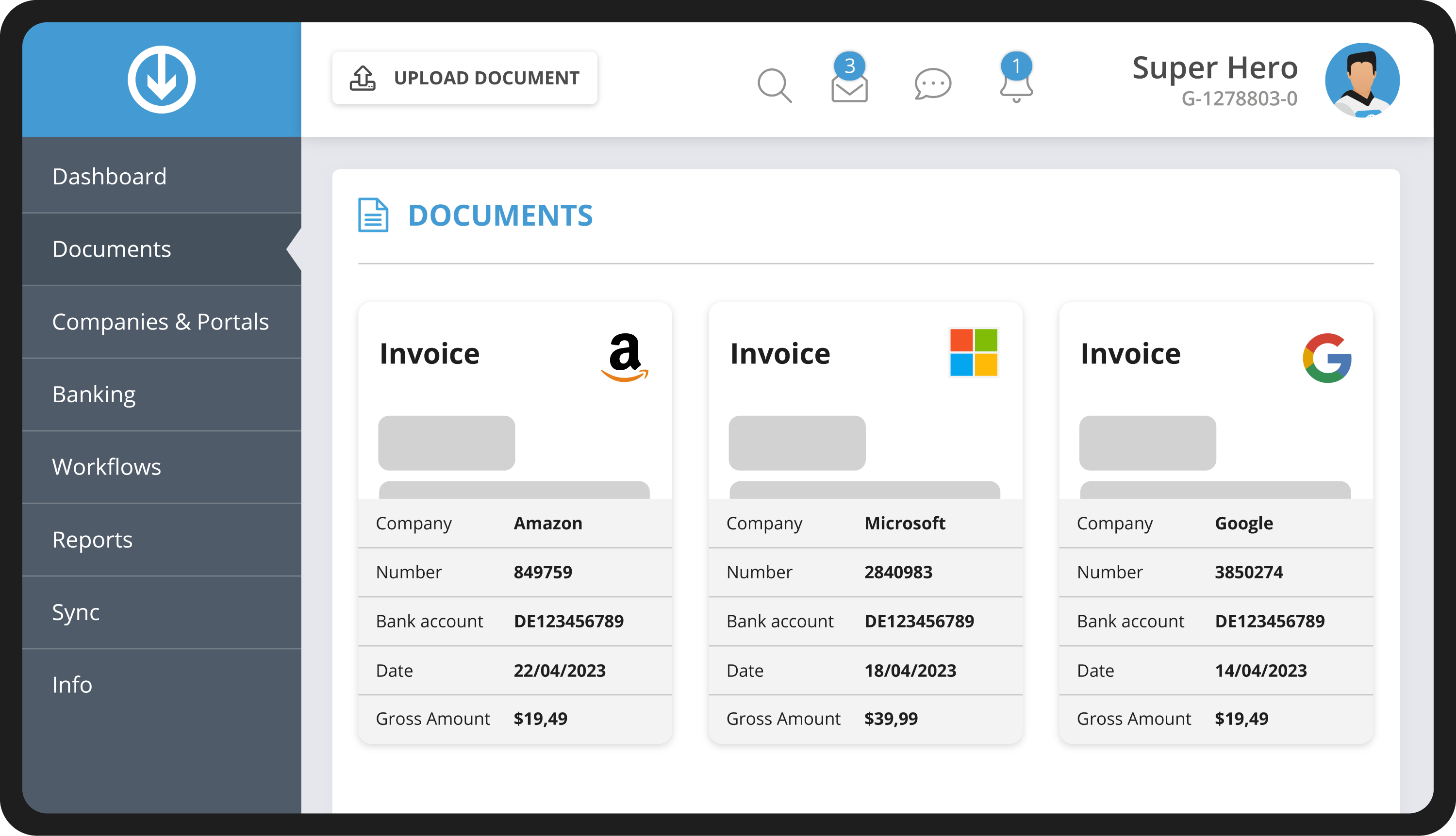
Our multi-edit function helps you adjust several invoices at once. Select the relevant invoices and then edit the values you want to change.

Split PDFs conveniently

Multi-page PDF files with different invoices, for example from your office scanner, can be split conveniently and saved as individual invoices.

GoBD-compliant archiving

All receipts and invoices are archived in an audit-proof and GoBD-compliant way in our invoice archive. We keep them for your company in line with the statutory retention periods.

Various display options

Choose the right view from our display options to manage invoices well, for example:

  • Grouped monthly overview
  • Tile view with a large preview image
  • List view
  • Sorting by supplier
  • Chronological by invoice date
  • Custom tags

Frequently asked
questions

If you have further questions about GetMyInvoices, visit our help centre.

Tags let you and your team categorise documents easily and keep invoices well organised. You can, for example, give an invoice the tag "Phone" or "Marketing" and then get an overview under Reports. You can also search by tags in the invoice list and use them during email import.

In the central document management in your browser. No download or installation is needed.

By tags, suppliers, invoice date or your own filters. You switch the view between monthly overview, tiles and list.

The file can be split within the software and saved as individual invoices.

Yes, using the multi-edit function.

Yes, audit-proof and GoBD-compliant.