Scanning receipts made easy
Capture paper receipts
and manage them digitally

Key facts at a glance
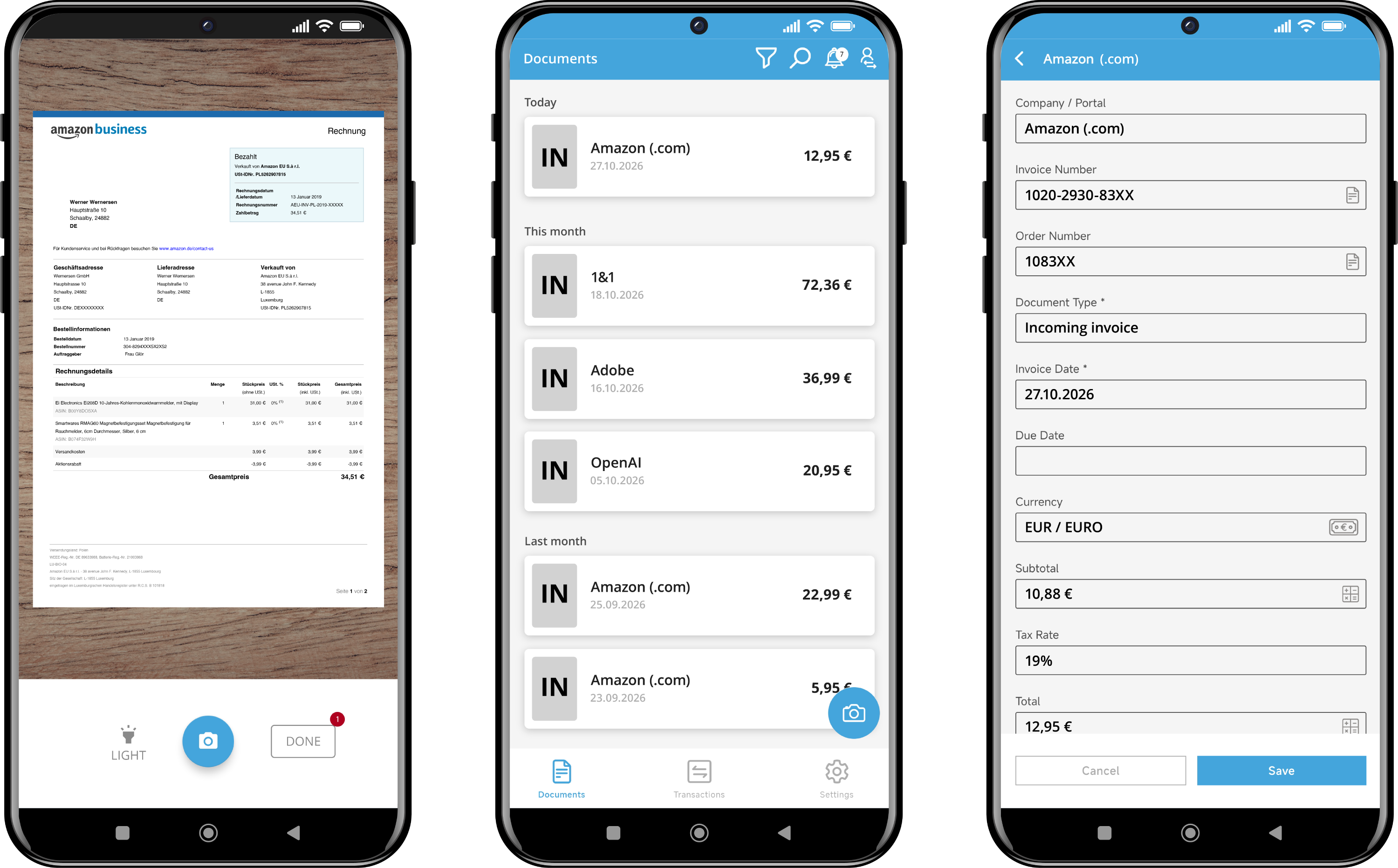
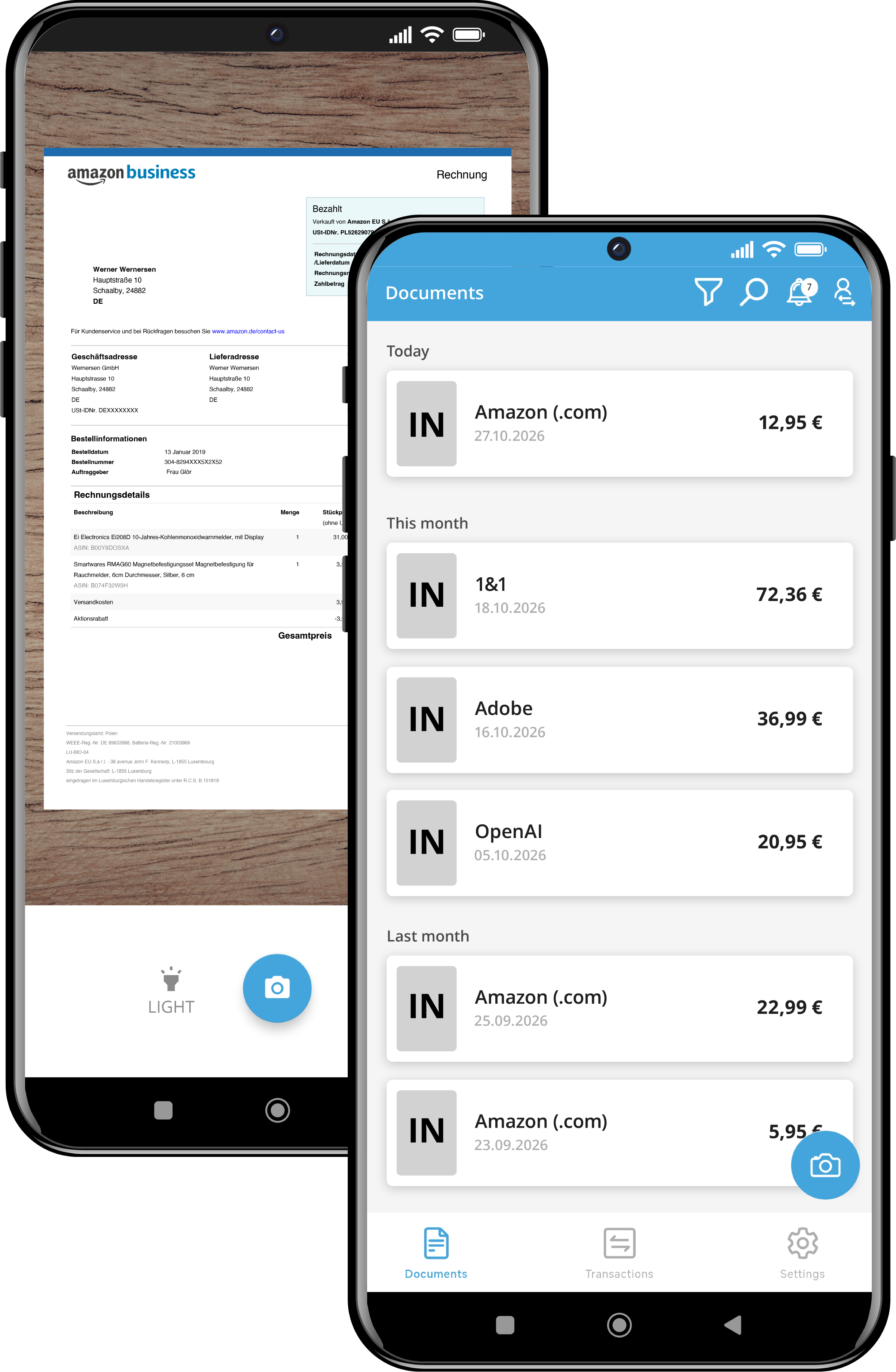
With the free Mobile App you photograph paper receipts on the go and upload them straight into your account. The receipt recognition reads out the data, and multi-page documents and cropping are supported. Invoices can also be reviewed, approved or rejected in the app.
- Capture: scan, crop, assign tags automatically, share from email or chat
- Manage: document overview with status, search by invoice or order number and supplier
- Access: free, sign in via Google or LinkedIn SSO, protection via PIN or biometrics
The benefits of the
GetMyInvoices Mobile App
With the free Mobile App you digitalise receipts right where they arise. Your team scans fuel receipts, travel expenses or hospitality receipts while out and about and makes them available for further processing straight away. Invoices can then be reviewed, approved or rejected on the go. This avoids media breaks, speeds up approvals and keeps you on top of things at all times.
Manage and edit invoices directly on your smartphone
Easily match invoices to your bank and credit card transactions
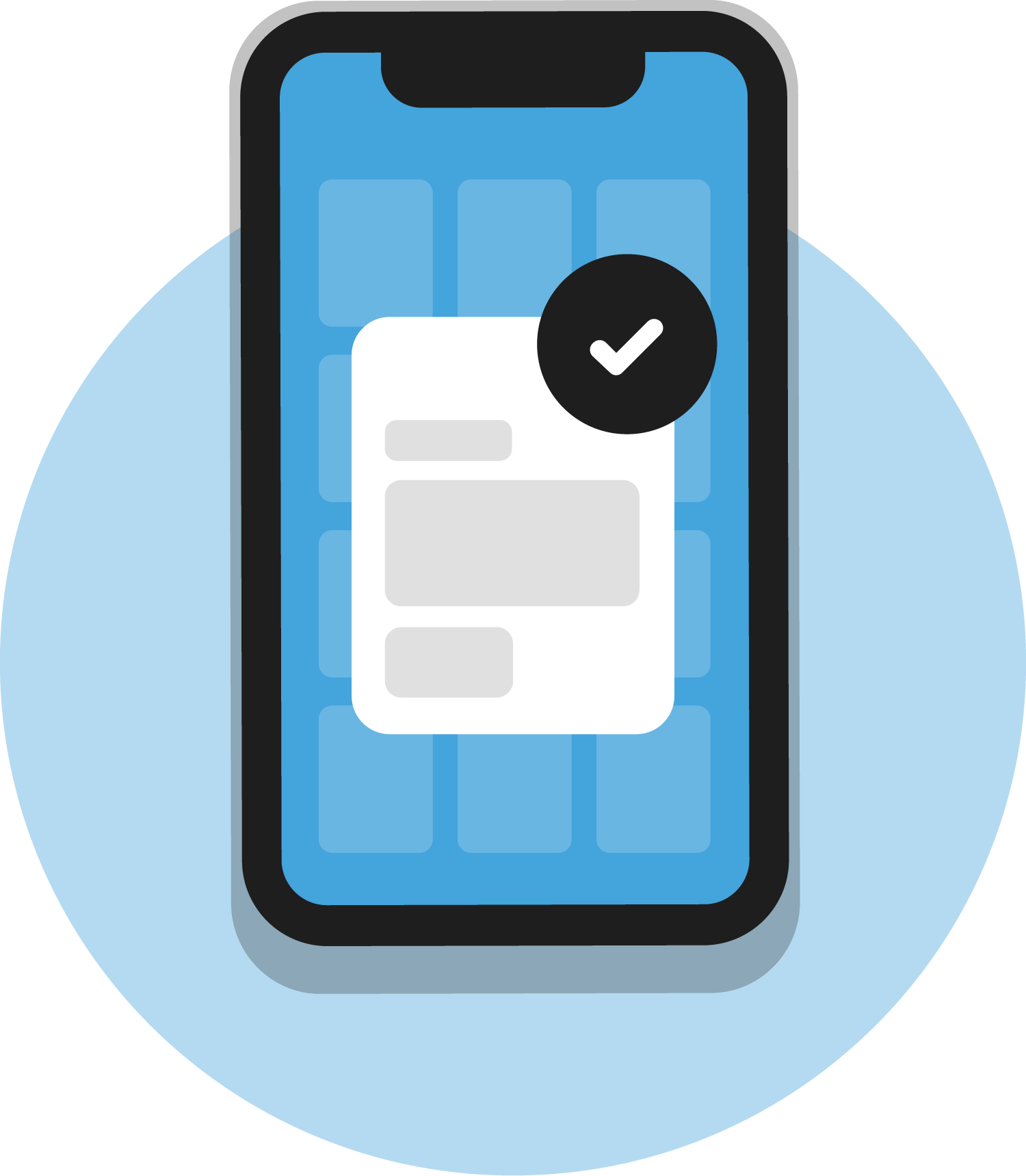
Review, approve or reject invoices on the go
The key features
of the Mobile App
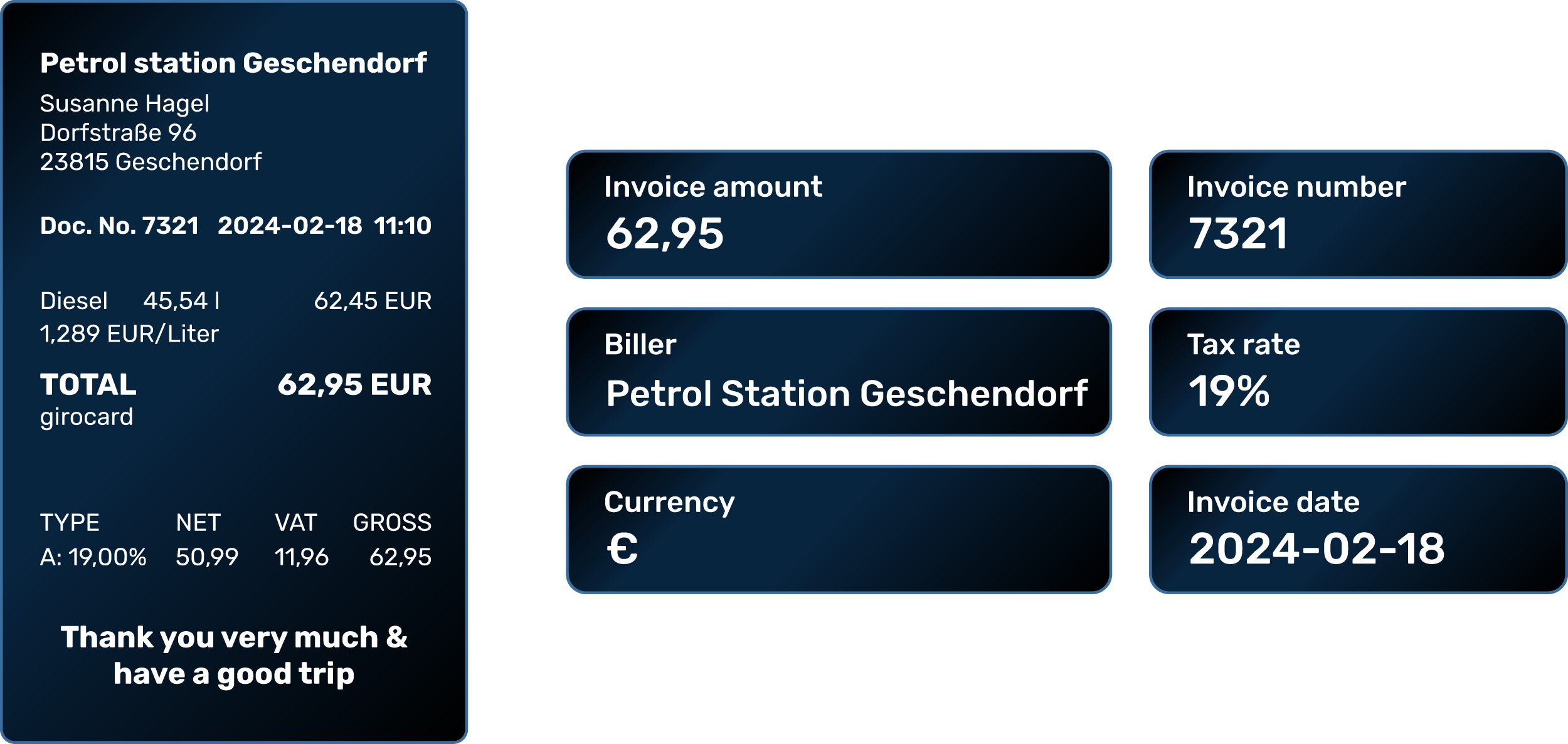
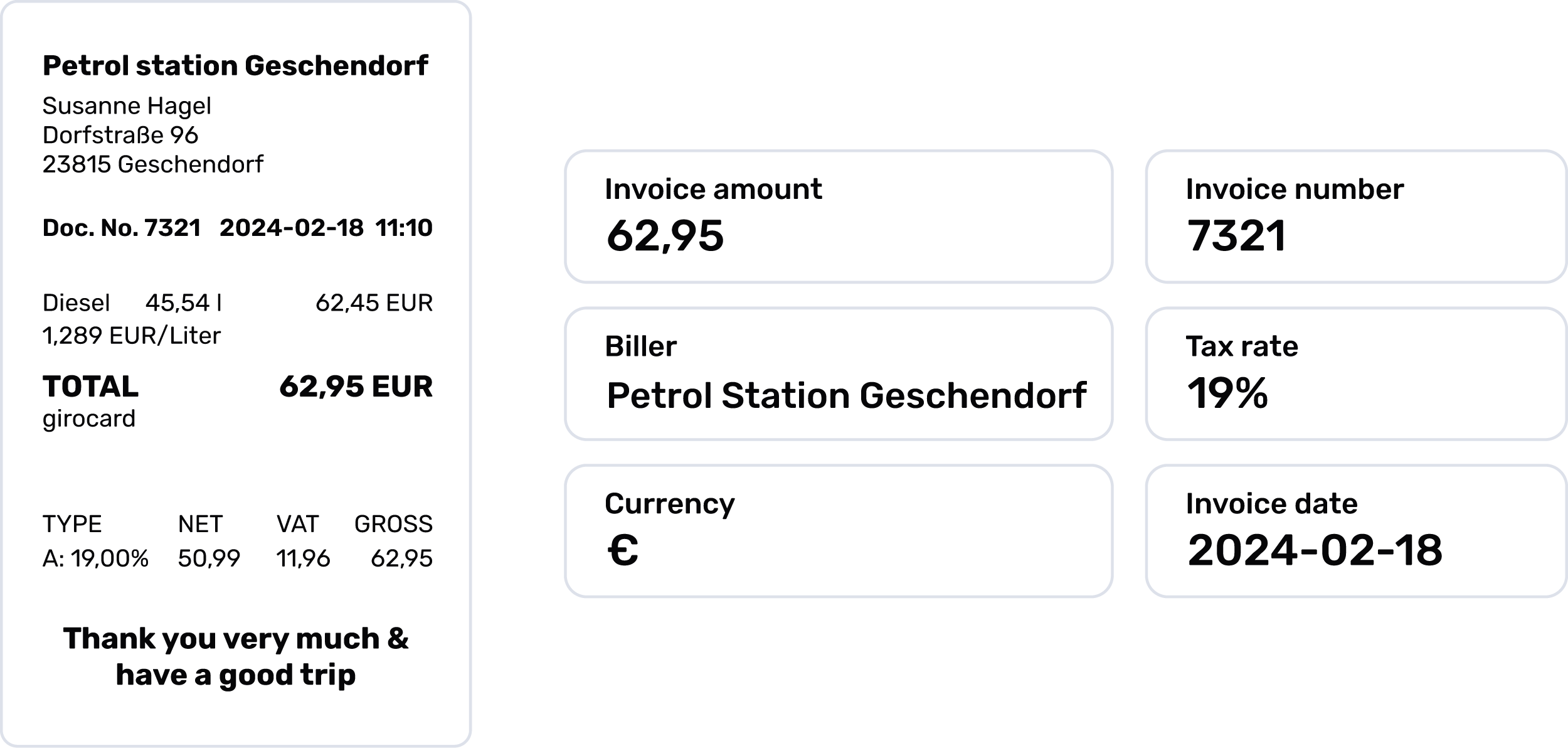
Import and read out invoices
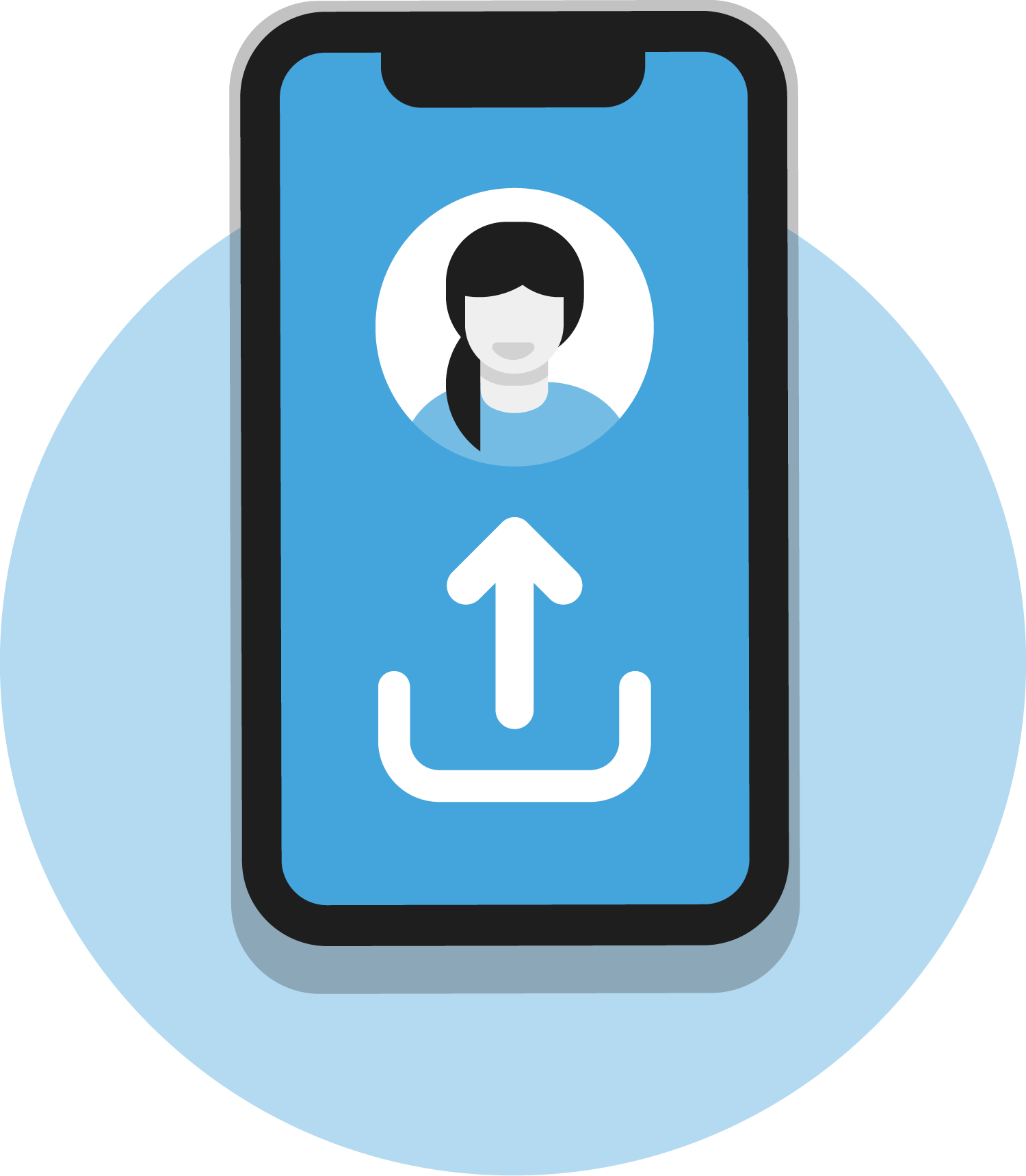
Scan and upload invoices and receipts
With the practical scan function, you digitalise invoices and receipts of any kind: quickly, easily and from anywhere.
- support for multi-page documents
- cropping and filter functions for better readability
- direct transfer via the API to your GetMyInvoices account or connected accounts
- intelligent receipt recognition
- Never-lose-any-receipt function: we store your scans until they have been confirmed as uploaded to GetMyInvoices.
- Status ticks show whether a document has been scanned, uploaded or already processed via OCR.
- invoices can be uploaded to GetMyInvoices directly from emails, chat apps and more, or shared with recipients
- automatic assignment of tags
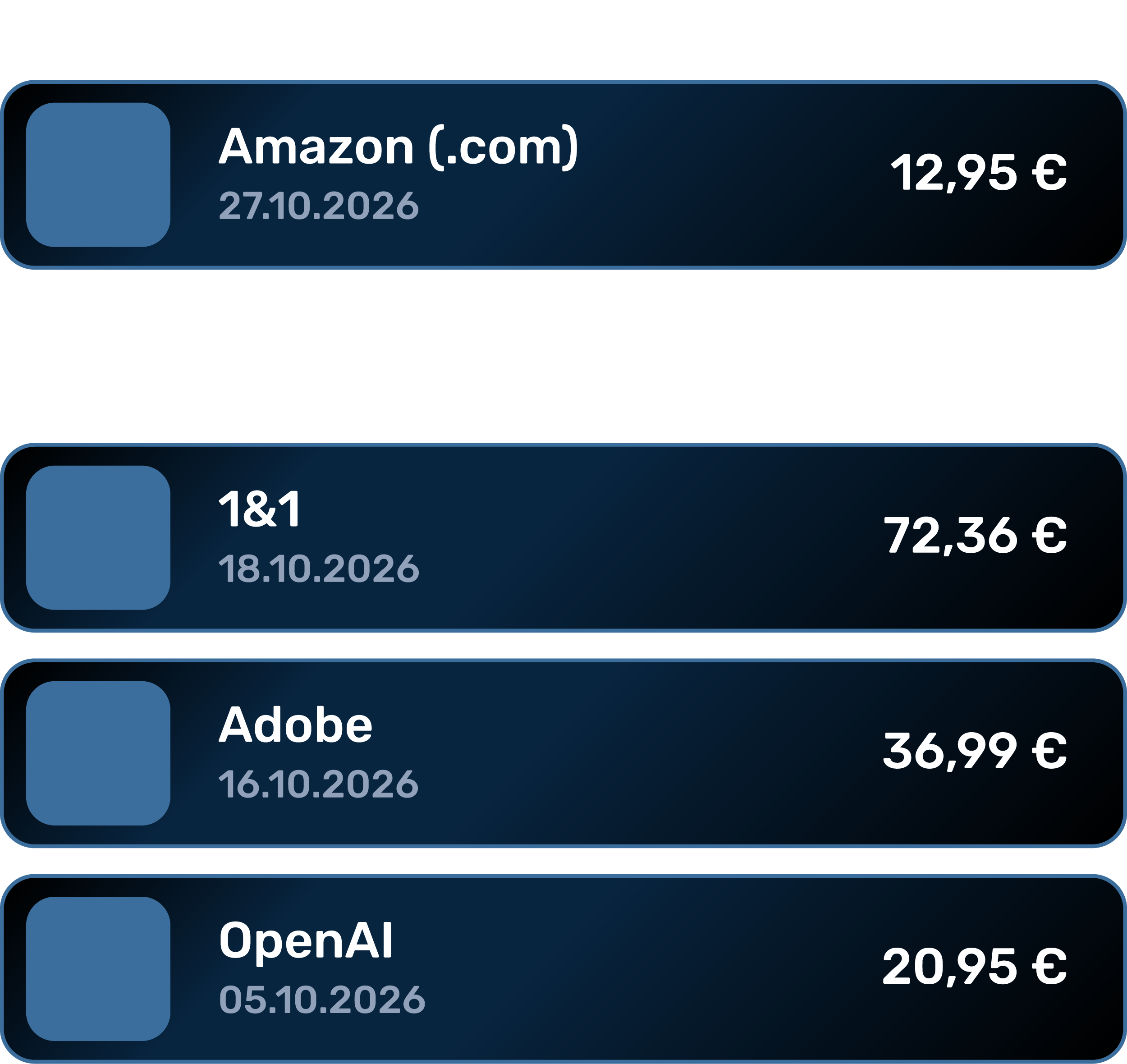
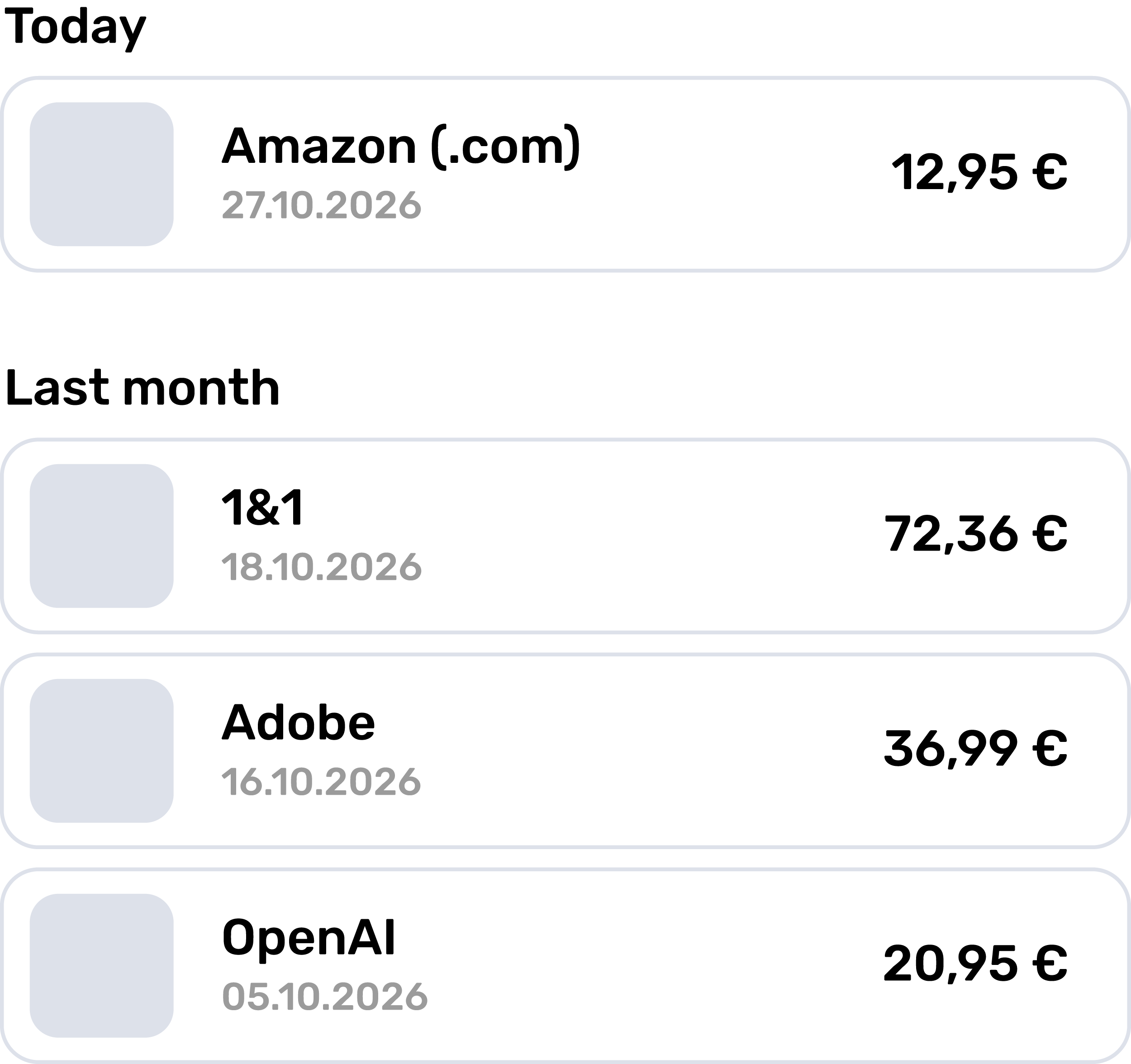
Online invoice management
Manage and edit documents
You get the familiar access to your document management on mobile too. This saves you time and effort.
- practical document overview with status display
- approval or rejection of documents
- management of bank transactions and matching of documents
- filter options for scanned documents and an overview of all invoices
- search by invoice number, order number, supplier name or notes
- editing mode for all basic data, including payment method and payment status
Digital invoice processing
Secure and user-friendly operation
Our app meets all legal requirements for document security and data protection and supports you with clever features for smooth digital invoice processing.
- The app can be used free of charge by all GetMyInvoices users
- Supported languages: German and English
- You receive notifications from your account
- Secure login via Google or LinkedIn SSO
- PIN or biometric authentication (Face ID for iOS, fingerprint for Android)
Download the GetMyInvoices Mobile App
Receipt scanner
How to set up the Mobile App
- The Mobile App is available free of charge in the App Store for iOS and in the Google Play Store for Android.
- Download the app from the relevant store onto your mobile device.
- Sign in with your existing GetMyInvoices login details (email and password).
- After logging in, you have direct access to your GetMyInvoices documents and can start scanning right away.
Please note that a stable internet connection is required to use the GetMyInvoices app. Documents are stored locally on the device until they have been transferred successfully to GetMyInvoices via the API after scanning. This way, the app ensures the secure transfer, data synchronisation and consistency of your documents.
Frequently asked questions
If you have further questions about GetMyInvoices, visit our
help centre
.
It is free for all GetMyInvoices users and runs on Android and iOS.
Yes. The receipt recognition reads out the relevant fields, and you can edit them afterwards in the app.
Yes, multi-page documents are supported, as are cropping and filters for better readability.
Yes, reviewing, approving and rejecting works directly in the app.
Login via Google or LinkedIn SSO, plus a PIN or biometric lock.
German and English.