Get Started Now
Put the knowledge from our onboarding webinar into practice right away and save time in the future.
Product introduction
Looking for tips and tricks to set up GetMyInvoices well? Watch the video recording and get off to a successful start with efficient document processing.
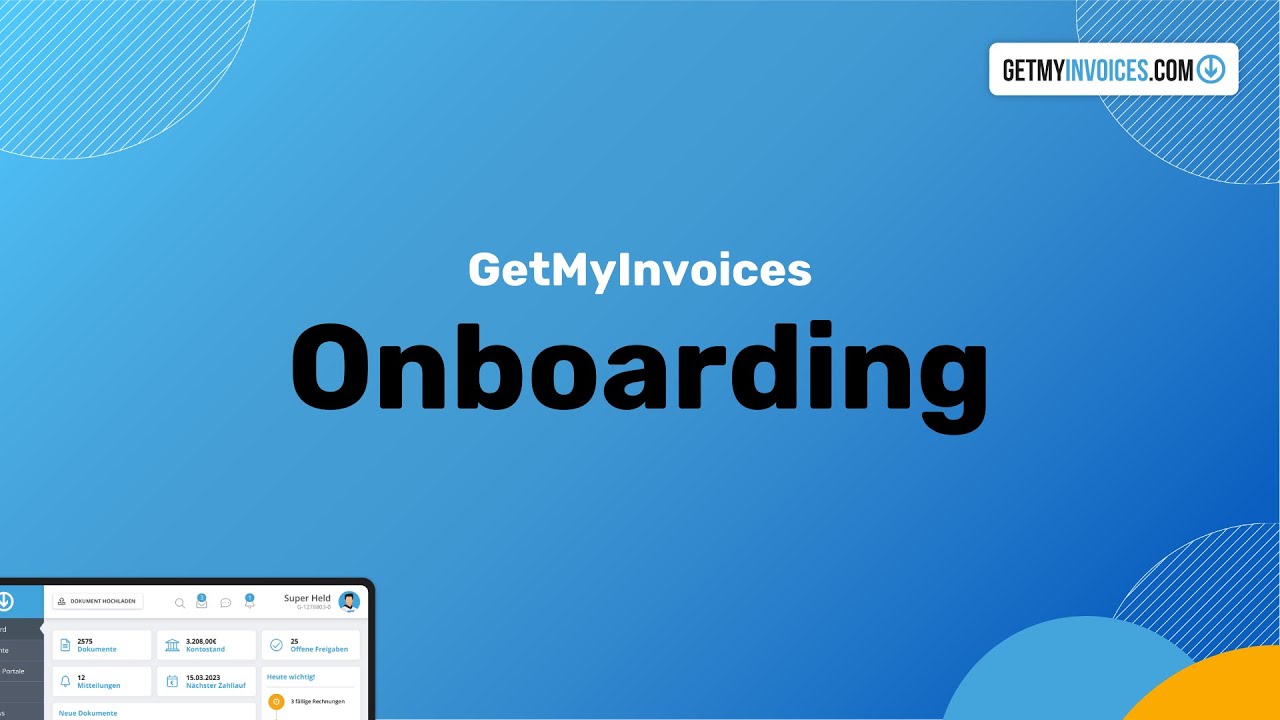
Put the knowledge from our onboarding webinar into practice right away and save time in the future.
Our blog offers useful reading on accounting, tool recommendations and interesting insights.
Looking for tutorials, tips and tricks on our features? Make use of our extensive knowledge library.
The product introduction is the video recording of the setup webinar. You see the complete setup of GetMyInvoices, from the first portal connection to the export to your accounting, without waiting for a live session.
















If you have further questions about GetMyInvoices, visit our helpcenter.
The complete setup of GetMyInvoices: creating an account, connecting portals and email inboxes, organising documents and setting up the export to your accounting.
The content is the same. In the live webinar you can ask questions and get an answer straight away; with the recording, you watch without any wait and at your own pace.
No, you can watch the video without an account. If you would like to follow the steps as you go, set up a free trial account beforehand.
In the media library under [Webinars & media library](/de/webinare-mediathek/).